Enhance Your Learners' Content Discovery
Your learners can enjoy a superior dashboard experience with finding and using courses under the Library Tab. Graphy now offers an advanced library view that provides your learners with a more intuitive, feature-rich interface for discovering and accessing their courses and packages.
How to Enable Advanced Library View
Follow these simple steps to activate the advanced library view and customize it for your learners:
Step 1: Access User Experience Settings from the Dashboard
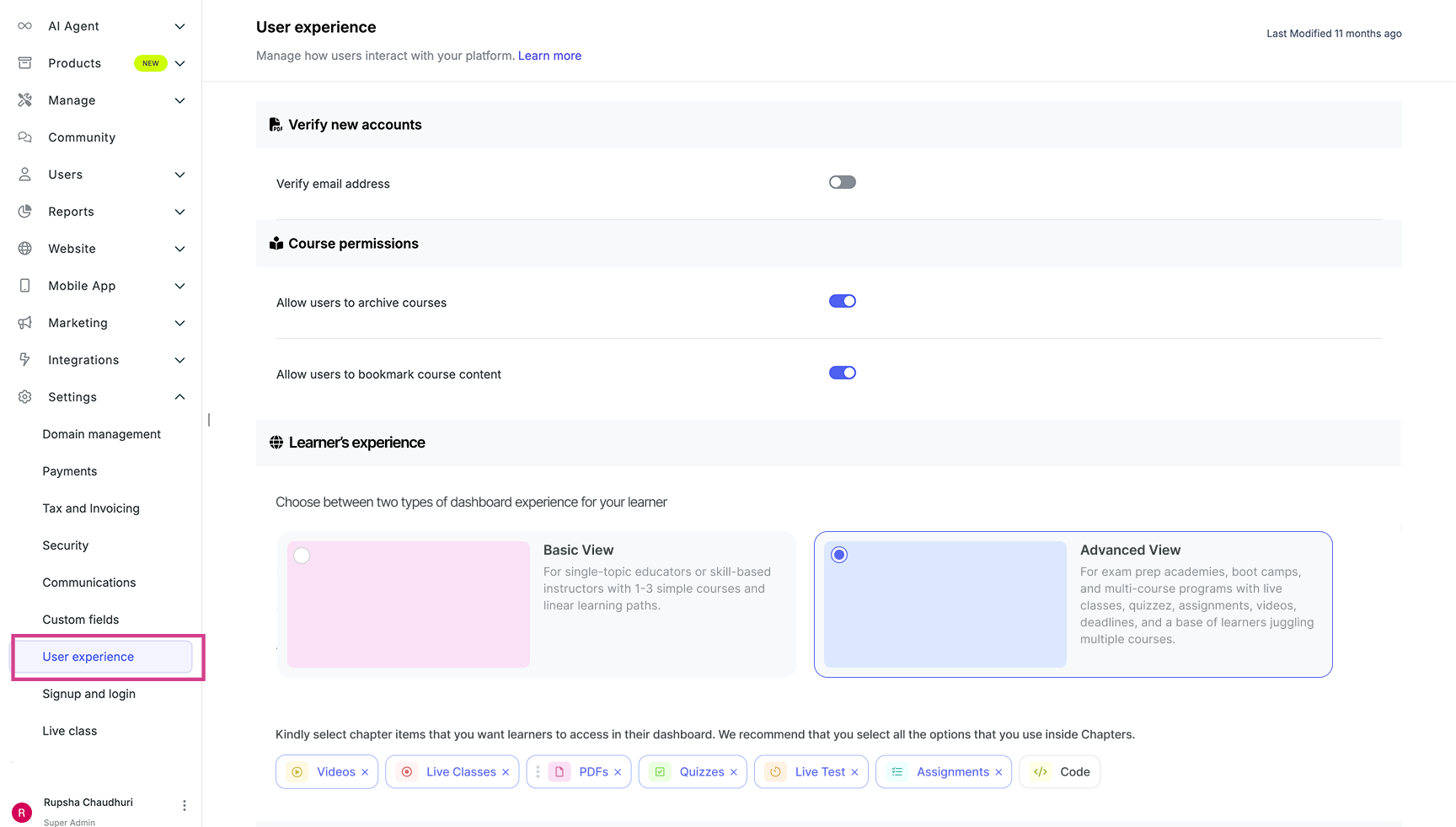
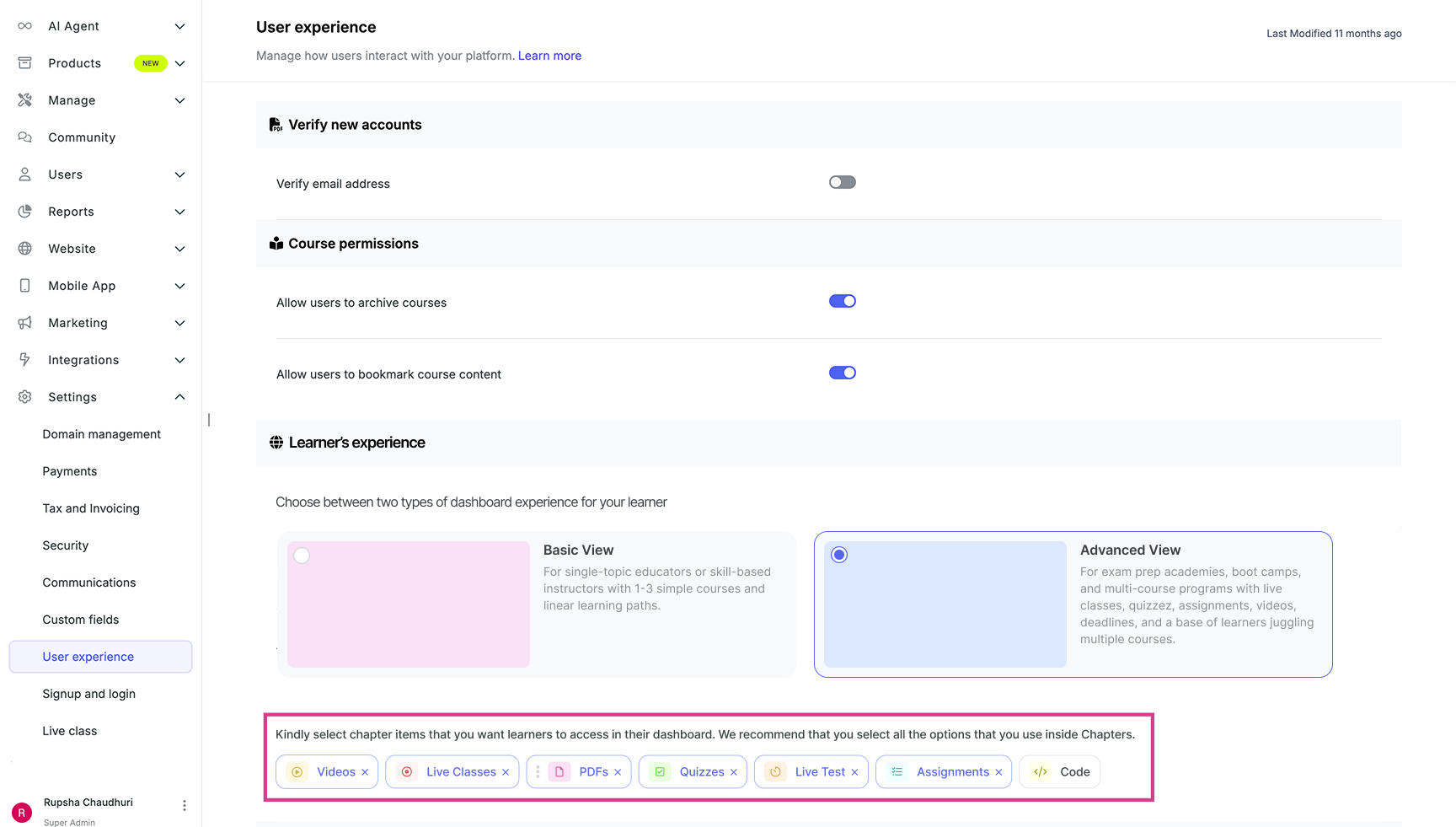
From your dashboard, look at the left panel navigation menu, under the Settings dropdown, click on User Experience.
Step 2: Locate the Learner's Experience Section
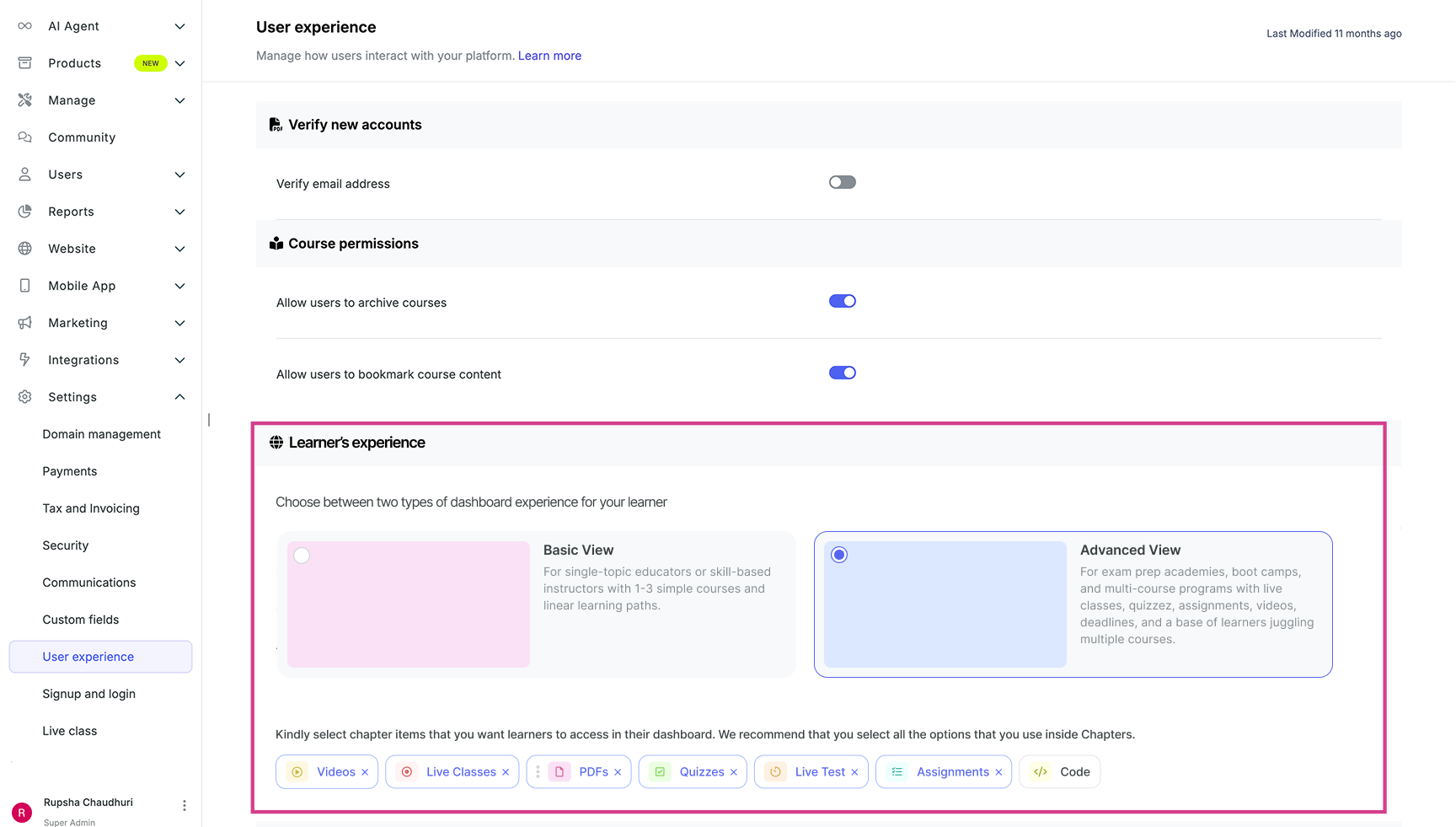
In the User Experience settings, you will see a dedicated section for Learner's Experience. This is where you can configure how your learners interact inside the Library.
Step 3: Choose Between Basic View and Advanced View
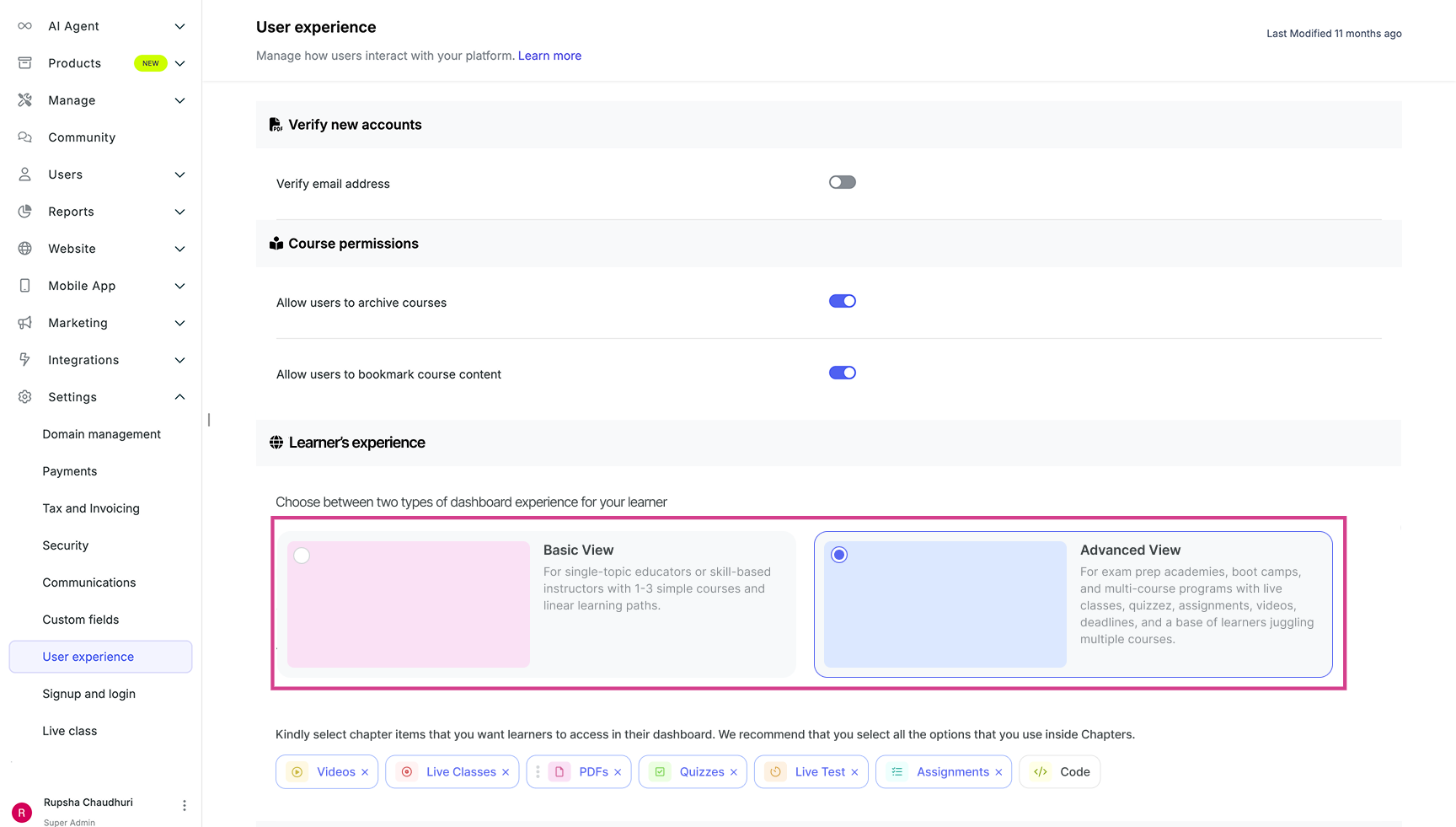
Within the Learner's Experience section, you will see three view options available:
- Legacy View
- Basic View
- Advanced View
Step 4: Switch to Advanced View
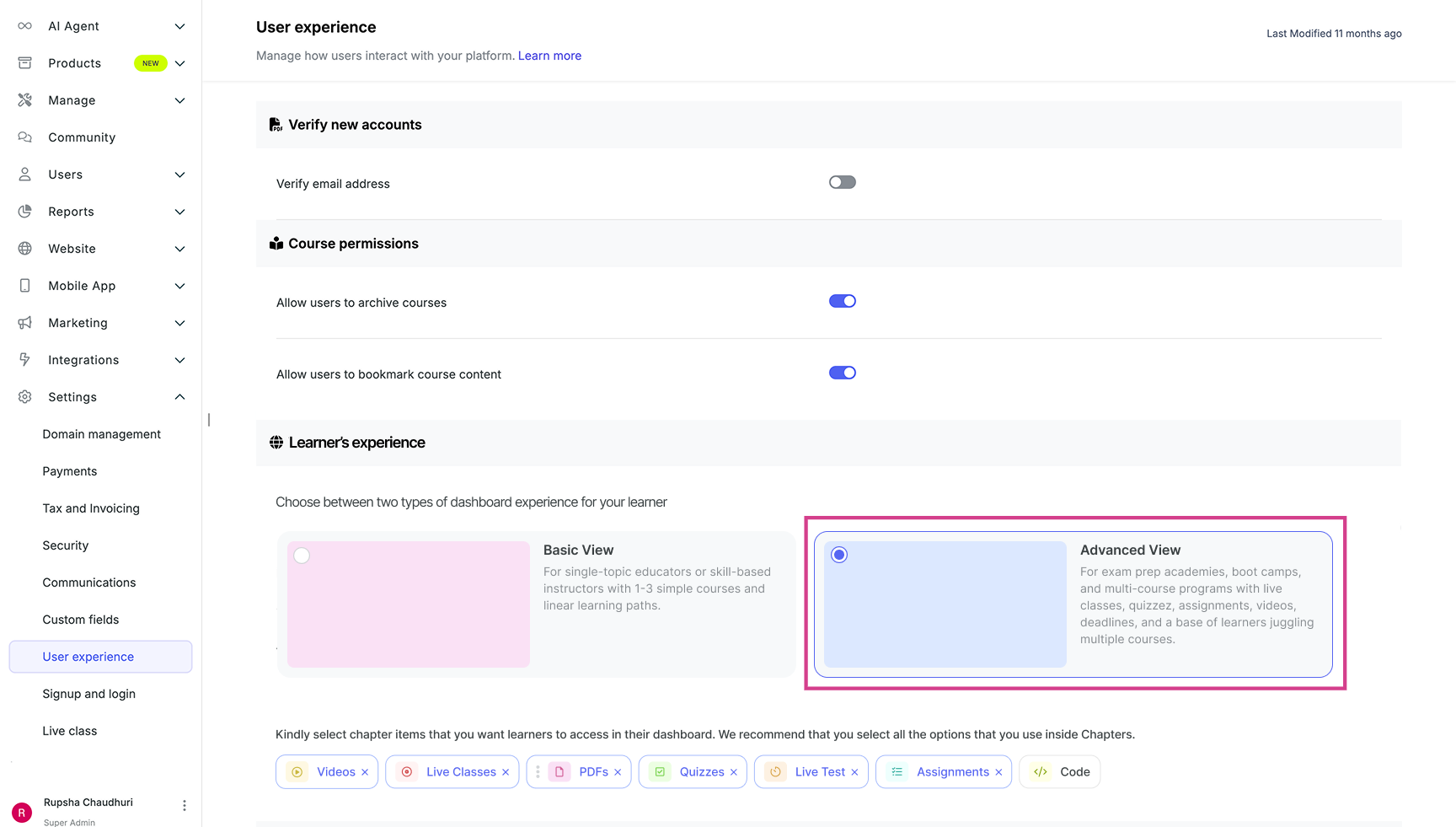
To enable the advanced view for your learners, click on or toggle the Advanced View option. This will activate the enhanced library interface and make it available to all your learners immediately.
Step 5: Customize Quick Access Items and Arrange Priorities
Once you have enabled the advanced view, you can further customize the experience for your learners by selecting items for quick access and organising them according to your priorities. You can select or deselect quick access items, and based on that selection, it will be made visible to your learners.
We strongly recommend you to use the Advanced View for a superior content discovery and learning experience.
Related Articles (For Learners)
1. A New Library Experience For Learners- Find, Track, Engage on Courses and Packages
2. Packages inside Library View3. Inside an Independent Course View under Library Tab
Was this article helpful?
That’s Great!
Thank you for your feedback
Sorry! We couldn't be helpful
Thank you for your feedback
Feedback sent
We appreciate your effort and will try to fix the article