An Announcement is a broadcast message/ update that you don’t want your members to miss. Along with appearing in the Feed Tab(like in all other post types), it shows up as a pop-up when members open Community, so it’s the first thing they see. Only admins can post Announcements, but members can like, comment on, repost and bookmark them just like any other post.
This article walks you through creating an Announcement, and how your members will see it.
A. How to create an Announcement
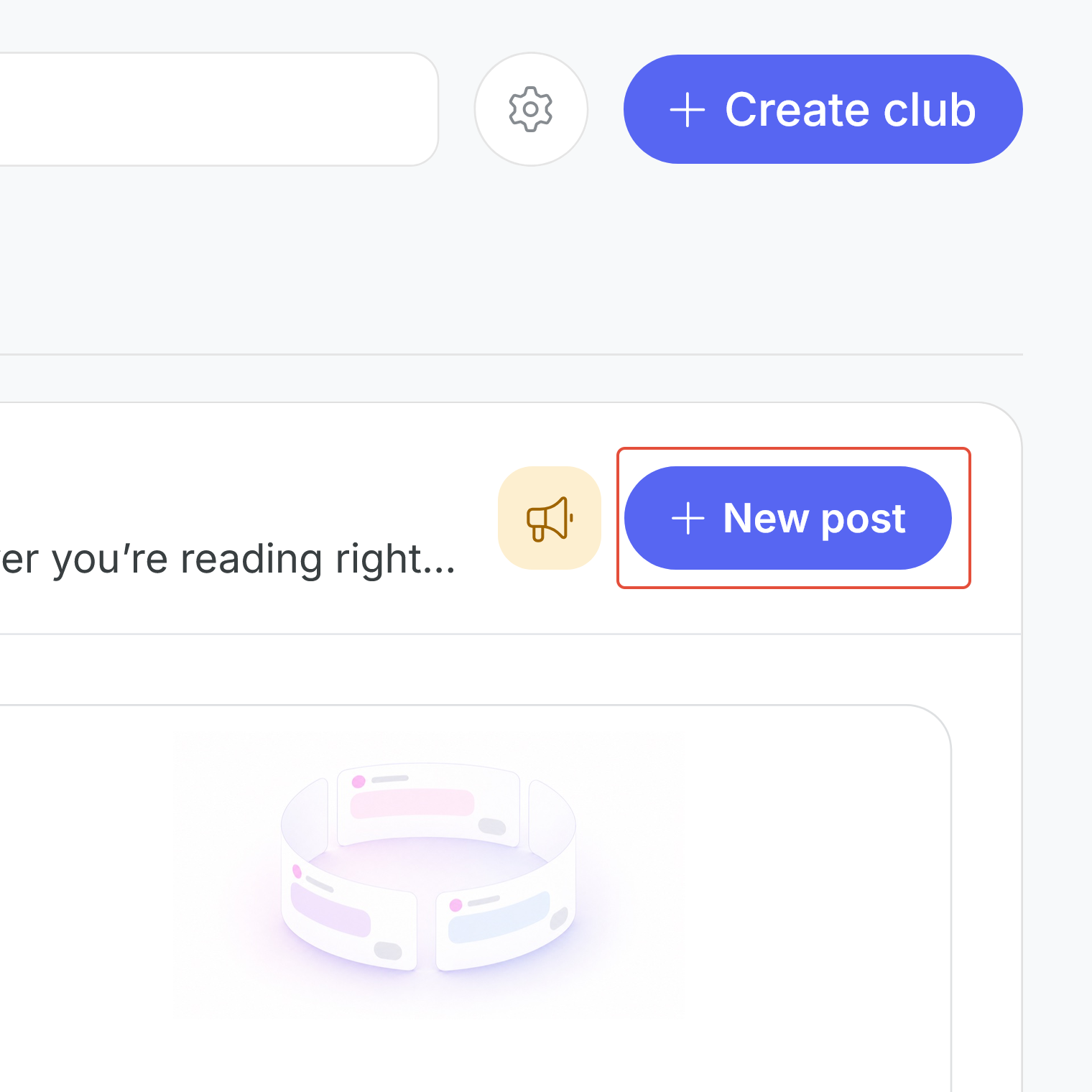
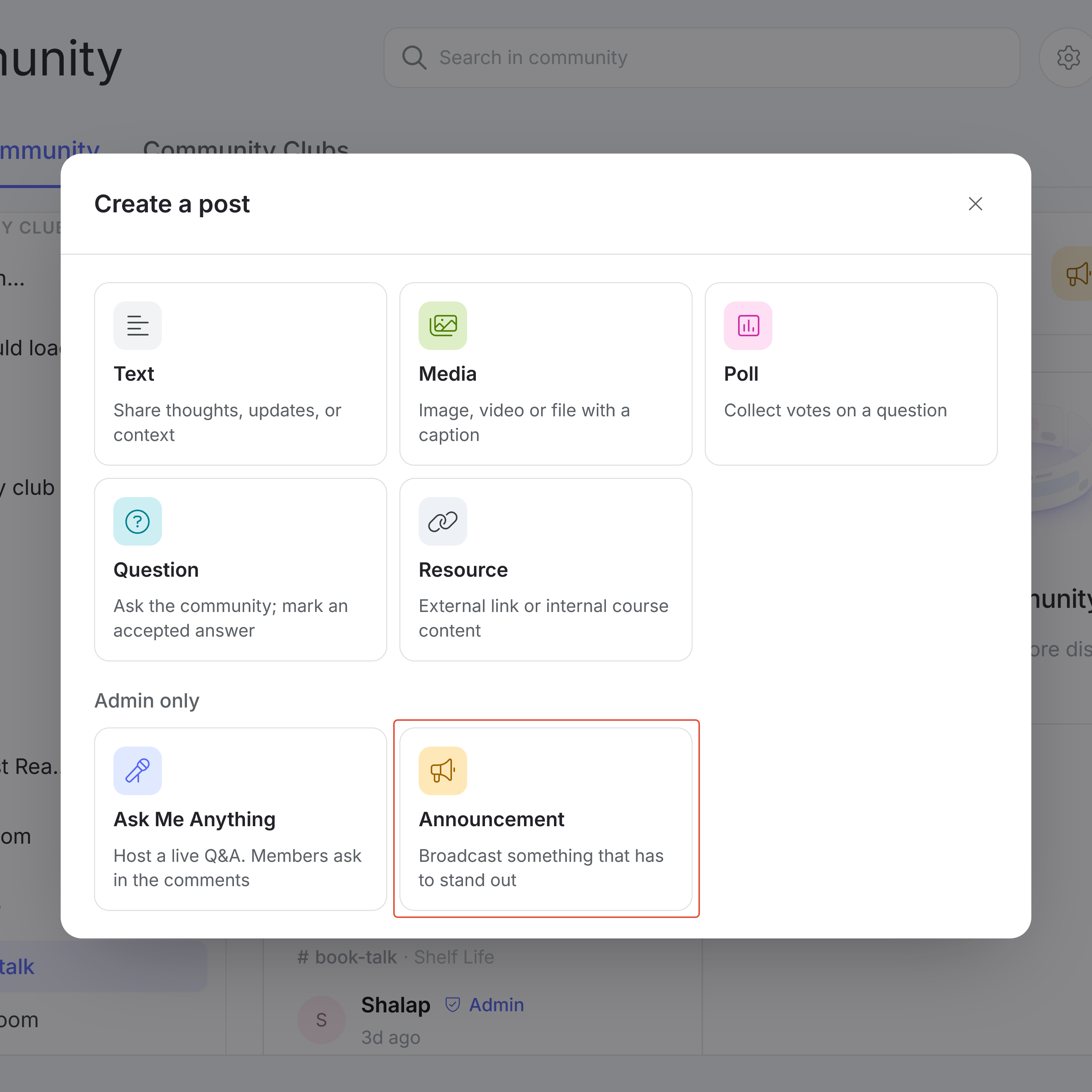
Inside a Feed channel, click the “+ New post” button and choose Announcement from the “Admin and moderator only” section of the pop-up.
From there, set the following:
- Channels: The Feed channels the Announcement goes to, up to 5 at a time (required)
- Title: Add a title of the announcement post, up to 100 characters
- Body: The details of your Announcement, up to 1,500 characters (required)
- Duration: How long the Announcement stays live, set in days, hours and minutes. It's set to 1 day by default (required)
- Attachment: You can add one image, CSV or PDF file
- Links: Up to 5 links. For each one, choose a type (Link to product, External URL or Community post) and add the link. Click "+ Add another link" to add more.
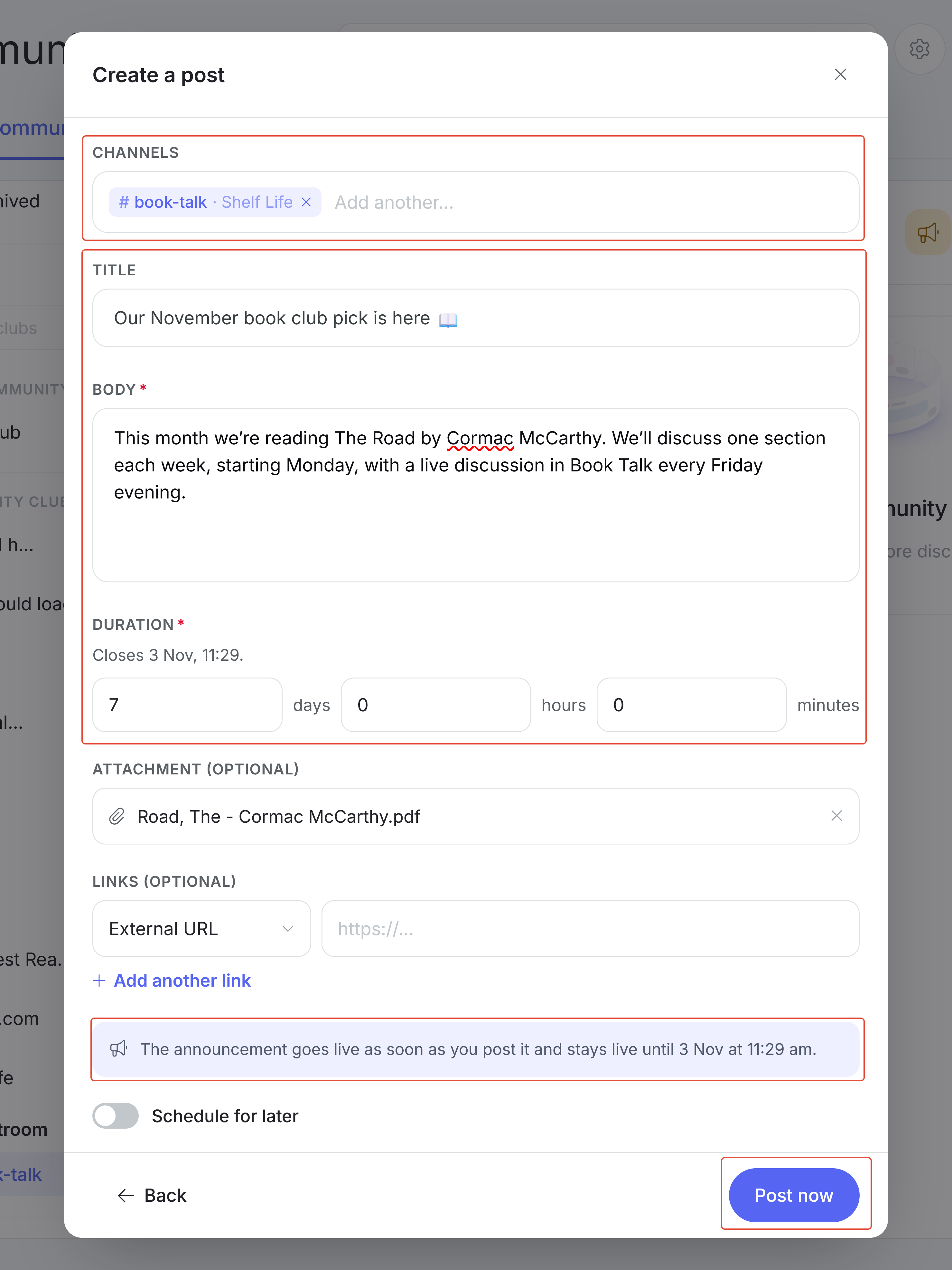
Click “Post now” to publish your Announcement. Alternatively, you can toggle the “Schedule for later” option to schedule it for a specific date and time, the same way you would any other post.
B. How members see an Announcement
Members come across Announcements in three places:
- The pop-up: When a member opens Community and has live Announcements they haven't seen yet, they appear in a pop-up the member can swipe through. Once a member has seen an Announcement, it won't pop up for them again.
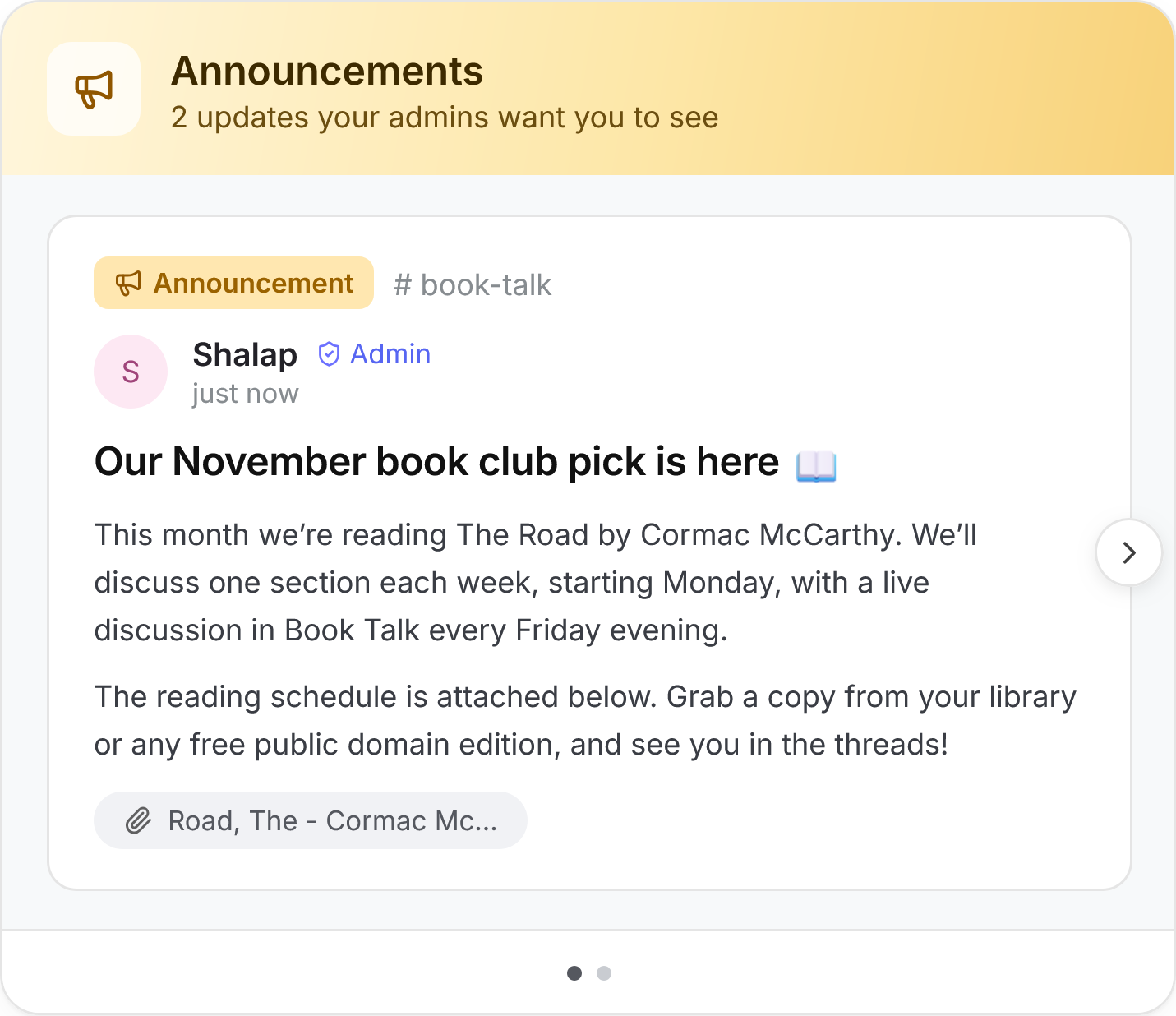
How a member sees an announcement
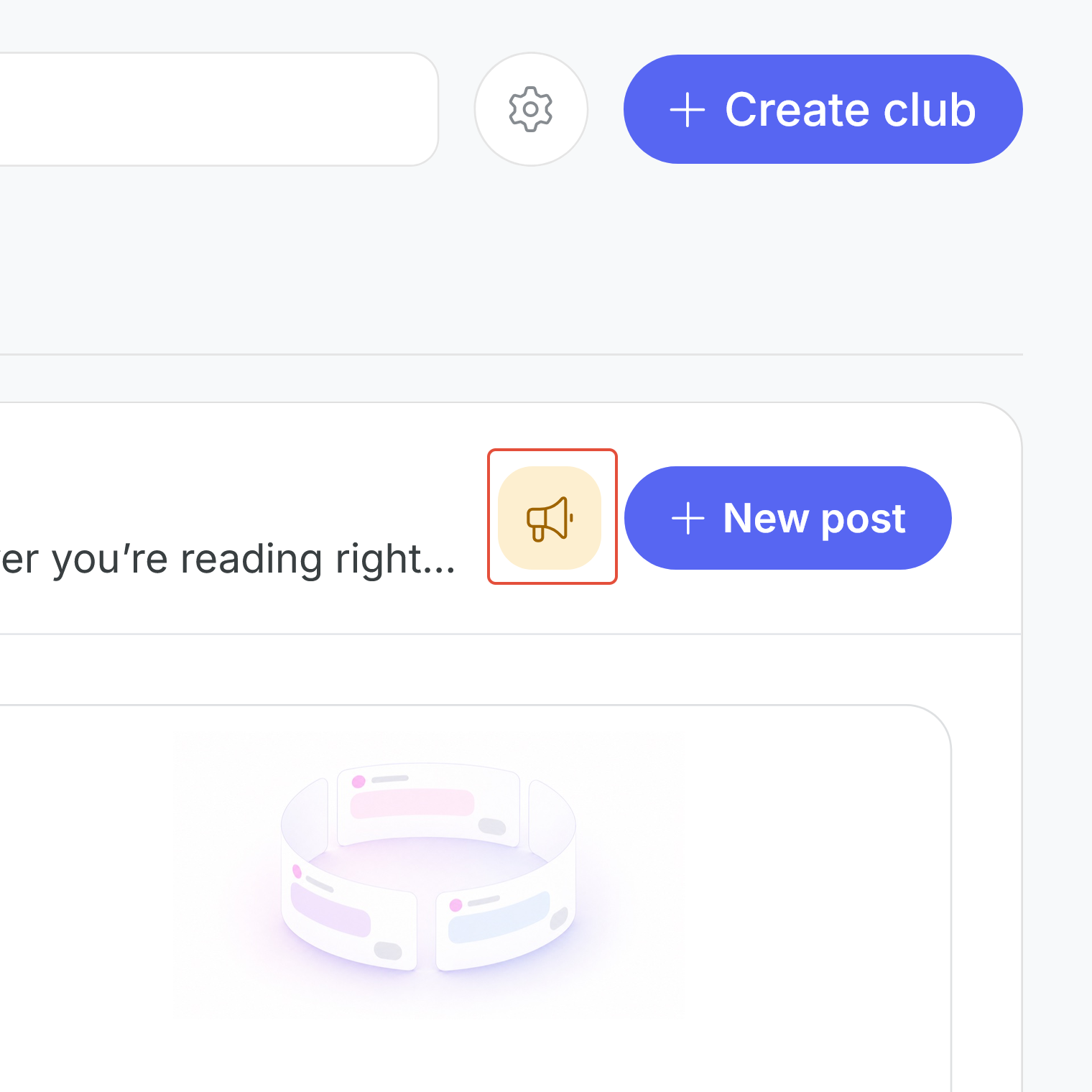
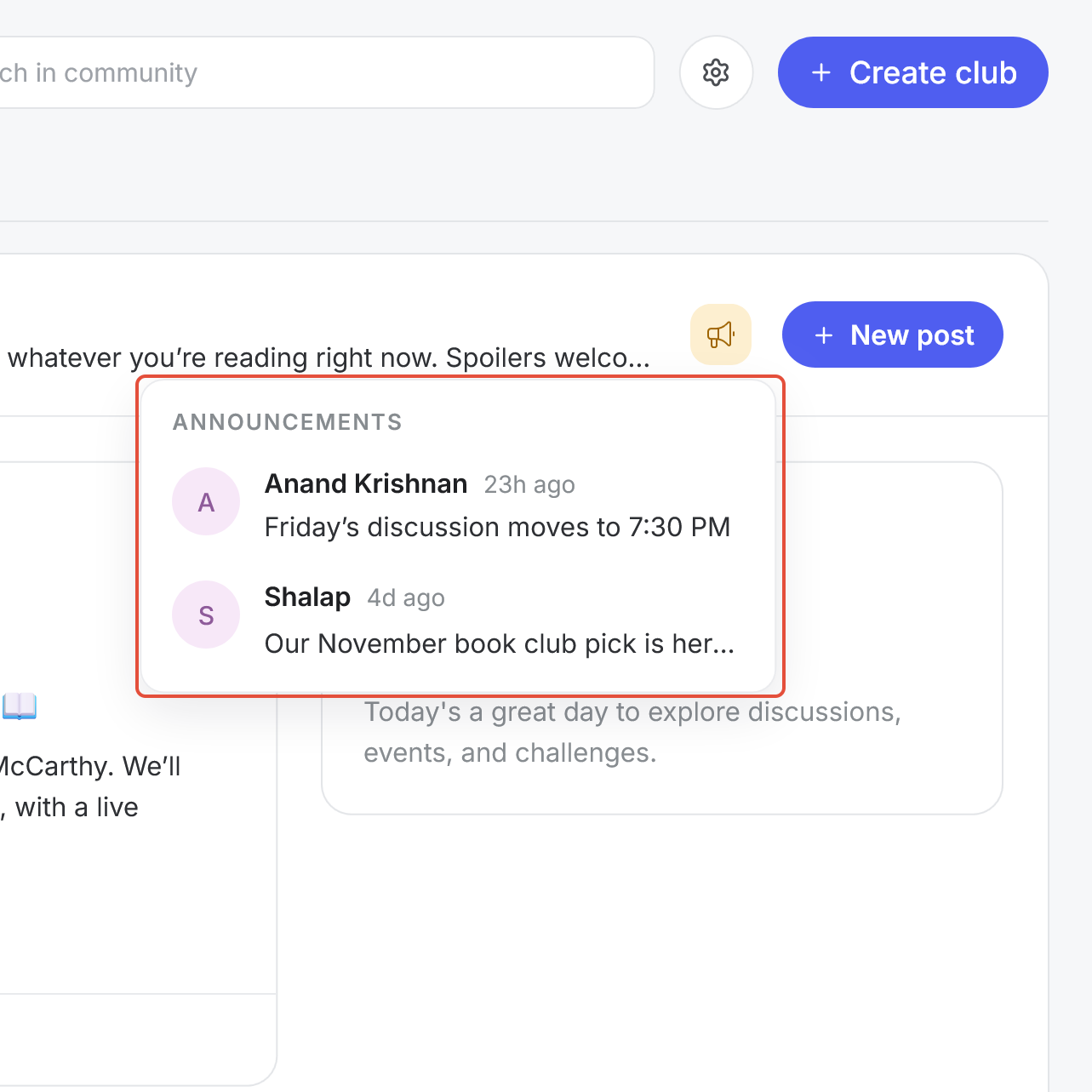
- The Announcements icon: The megaphone icon next to "+ New post" shows how many unread Announcements a member has. Clicking it opens the full list of Announcements, including ones the member has already seen.
- The Feed: Announcements appear in the Feed with an Announcement tag, in every channel they were posted to.
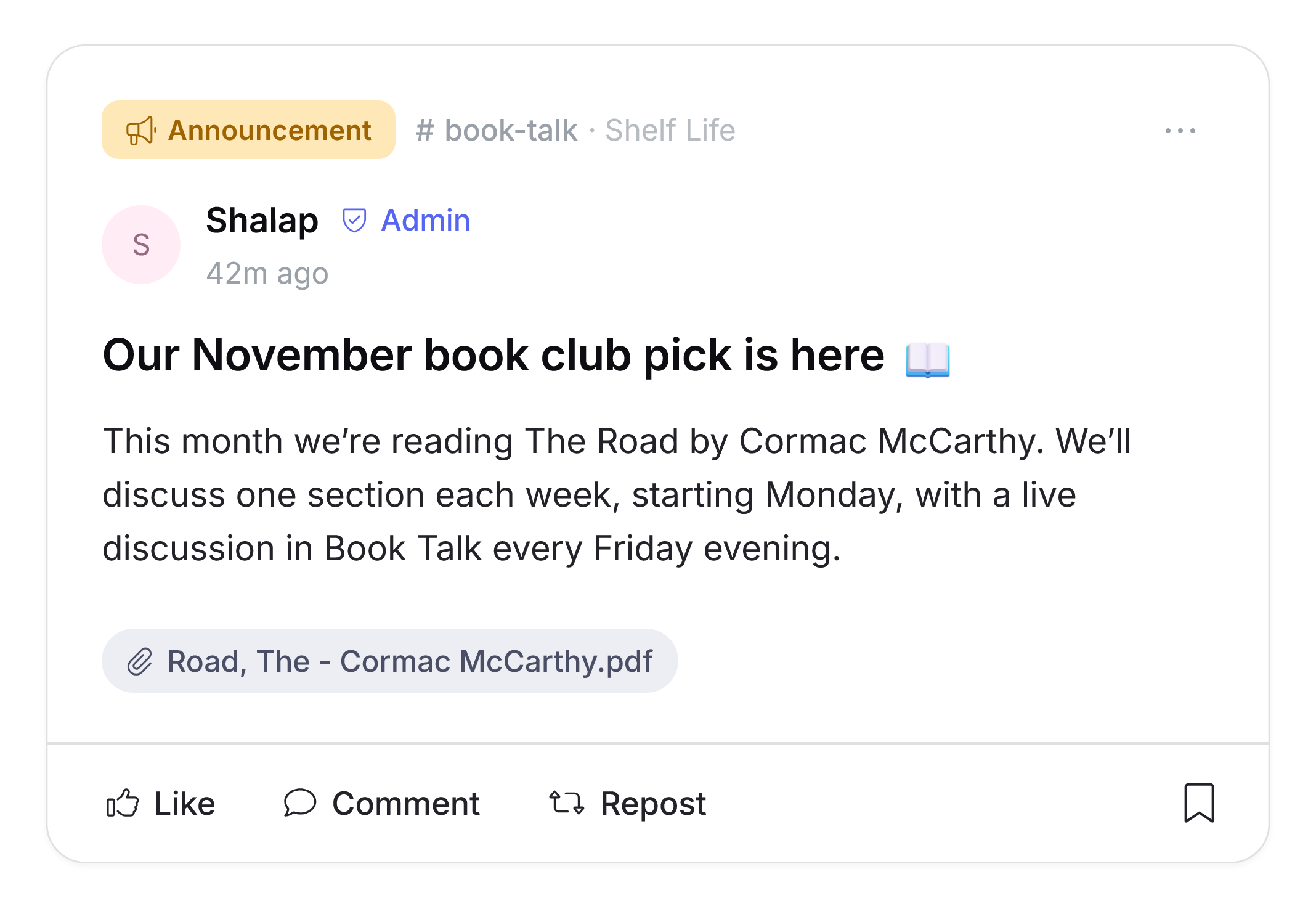
What an announcement looks like in the feed
C. Announcement Duration Control
The duration sets how long an Announcement stays live. While it’s live, it can appear in the pop-up, and members can go from the Announcements list straight to the post. Once it ends, members can still read it from the Announcements list, but it won’t pop up anymore or link through to the post.
Was this article helpful?
That’s Great!
Thank you for your feedback
Sorry! We couldn't be helpful
Thank you for your feedback
Feedback sent
We appreciate your effort and will try to fix the article