We have improved the way you can post links on Community. You can now see previews of files when they are shared across channels.
Message Preview
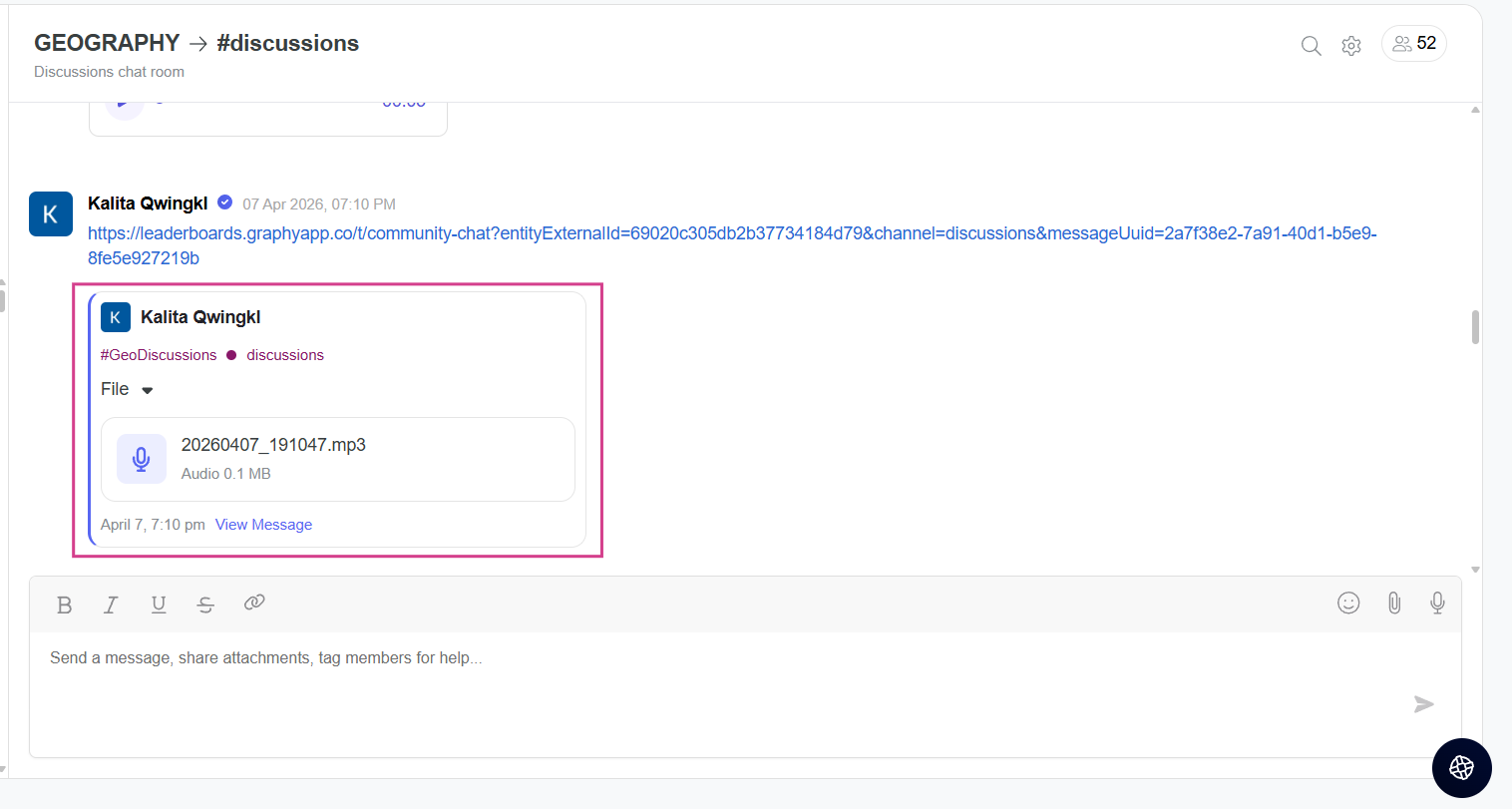
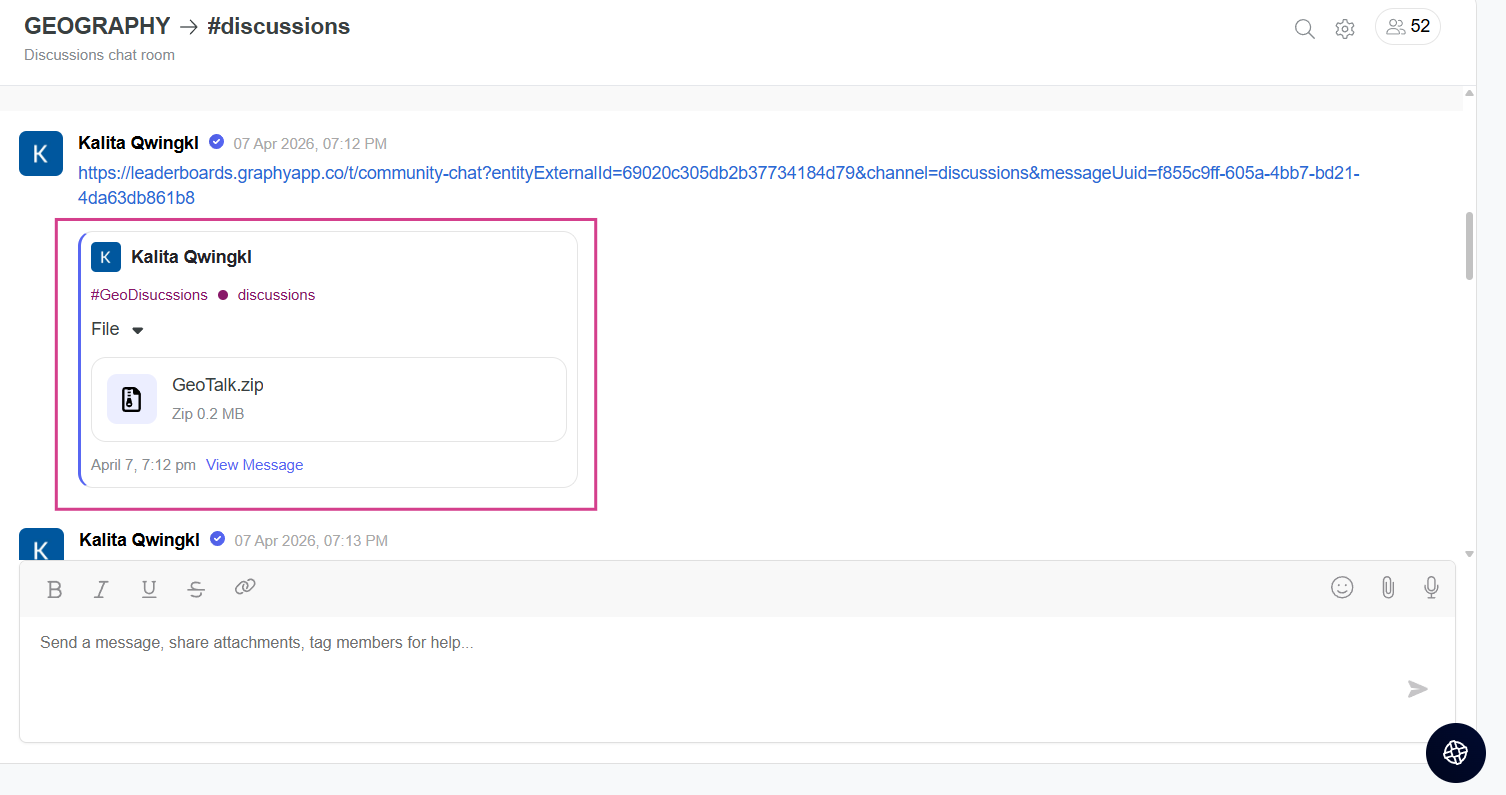
When a link is shared in the Community chat, a preview of the link or file is shown. You can also see the date and time the message was posted.
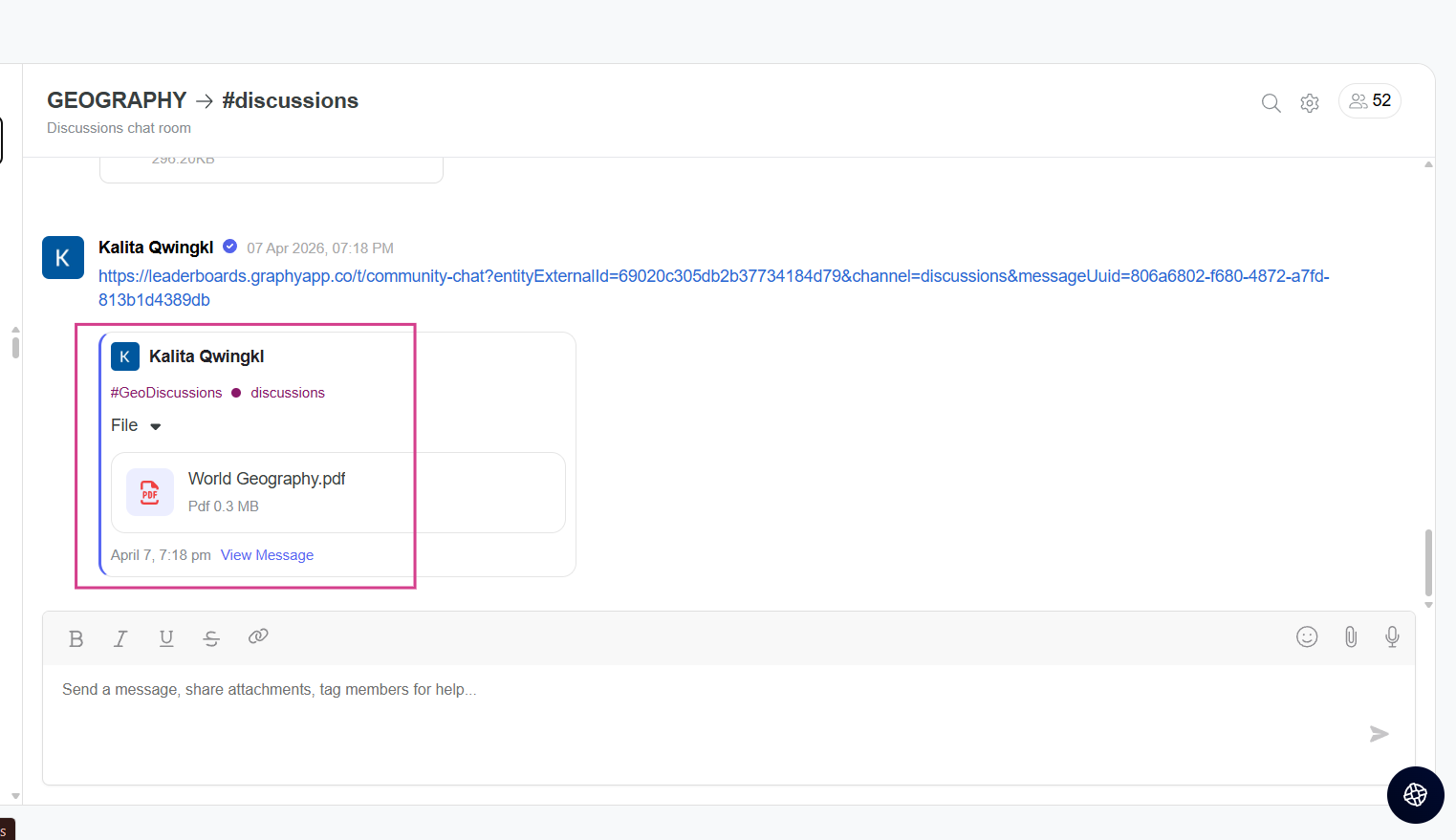
View Full Message
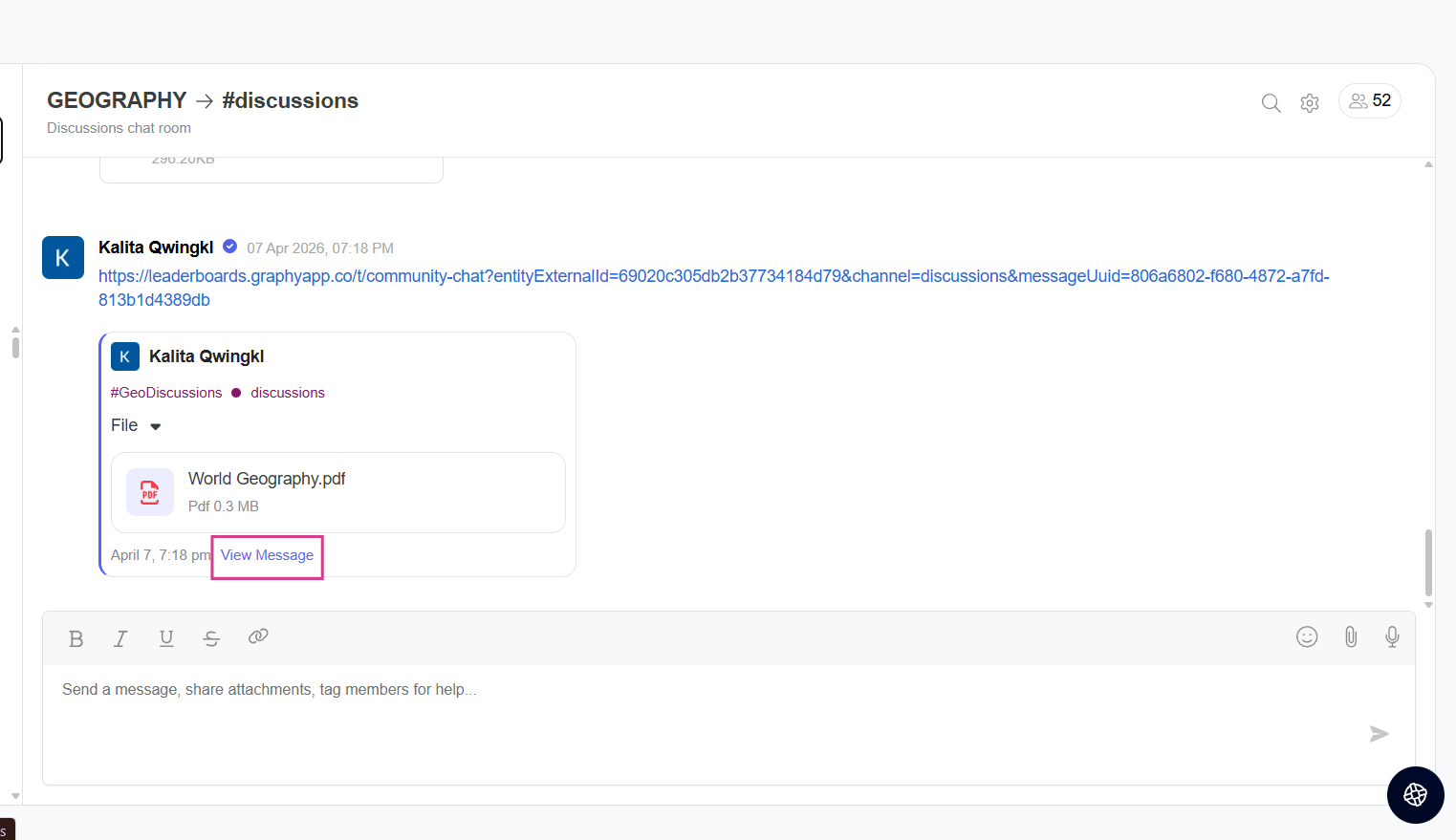
You can click on "View Message" to see the complete expanded message with all the details.
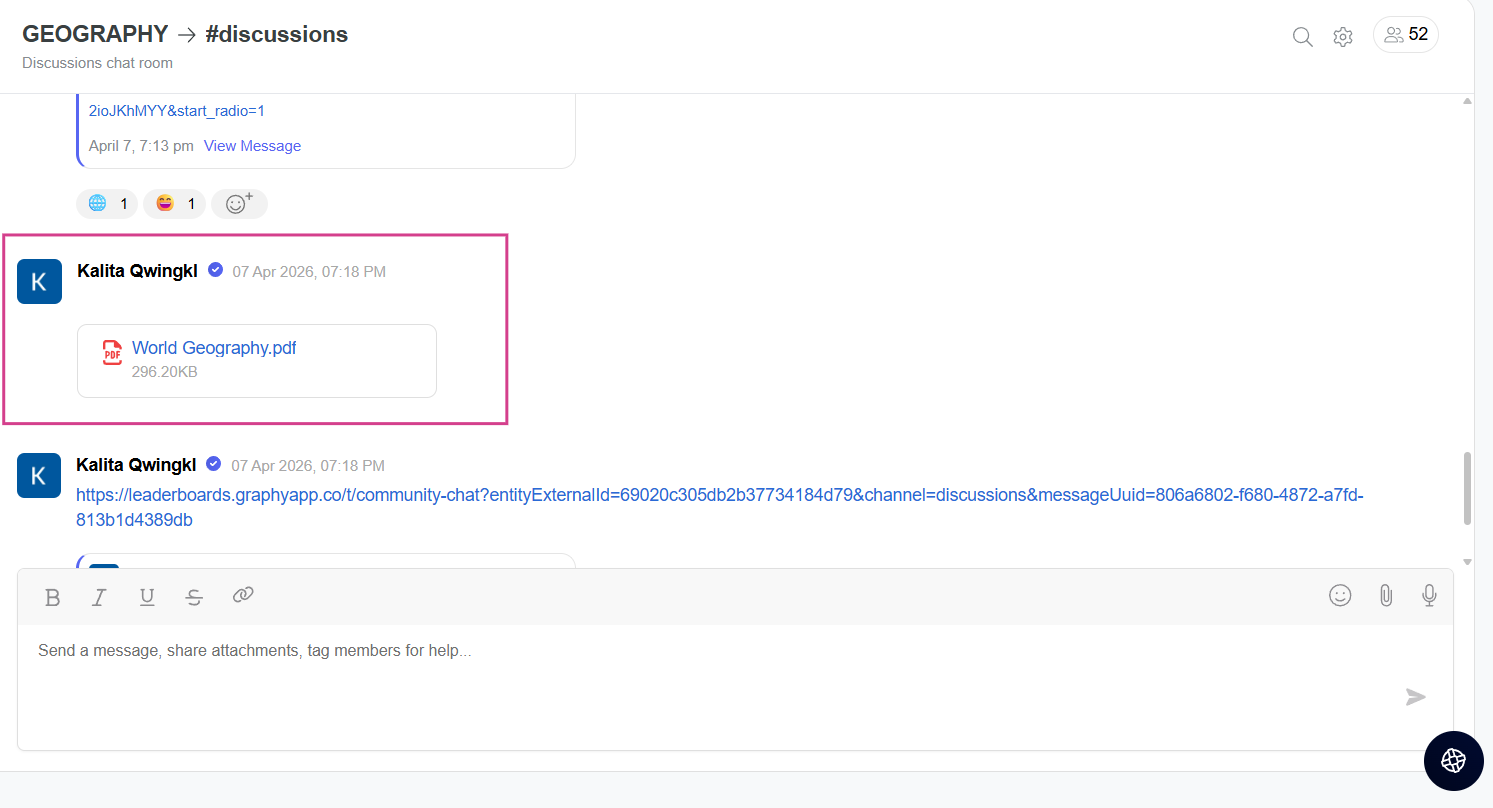
Once you click on view message, you will be taken to the message where you can access the file.
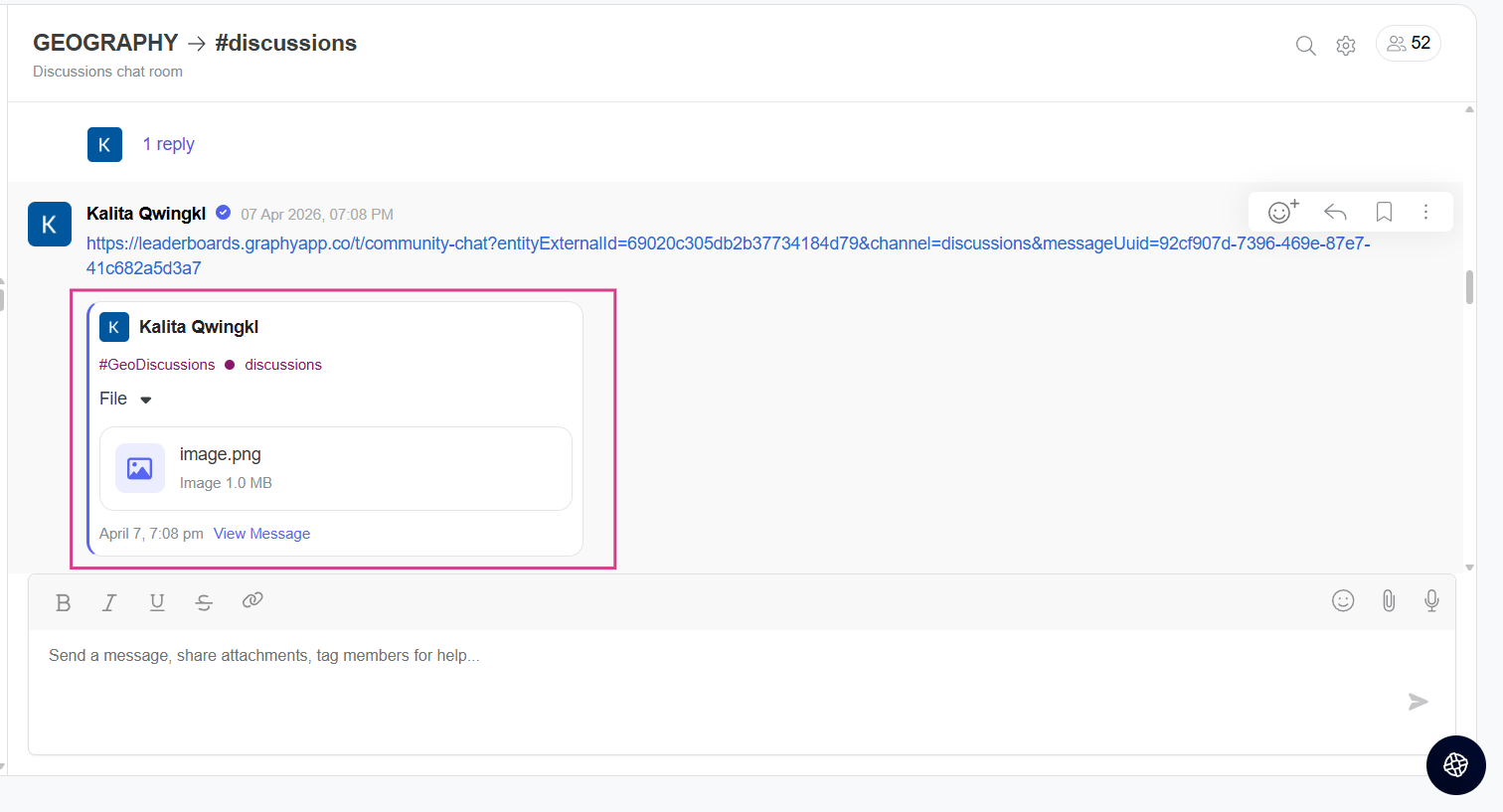
File Type Information
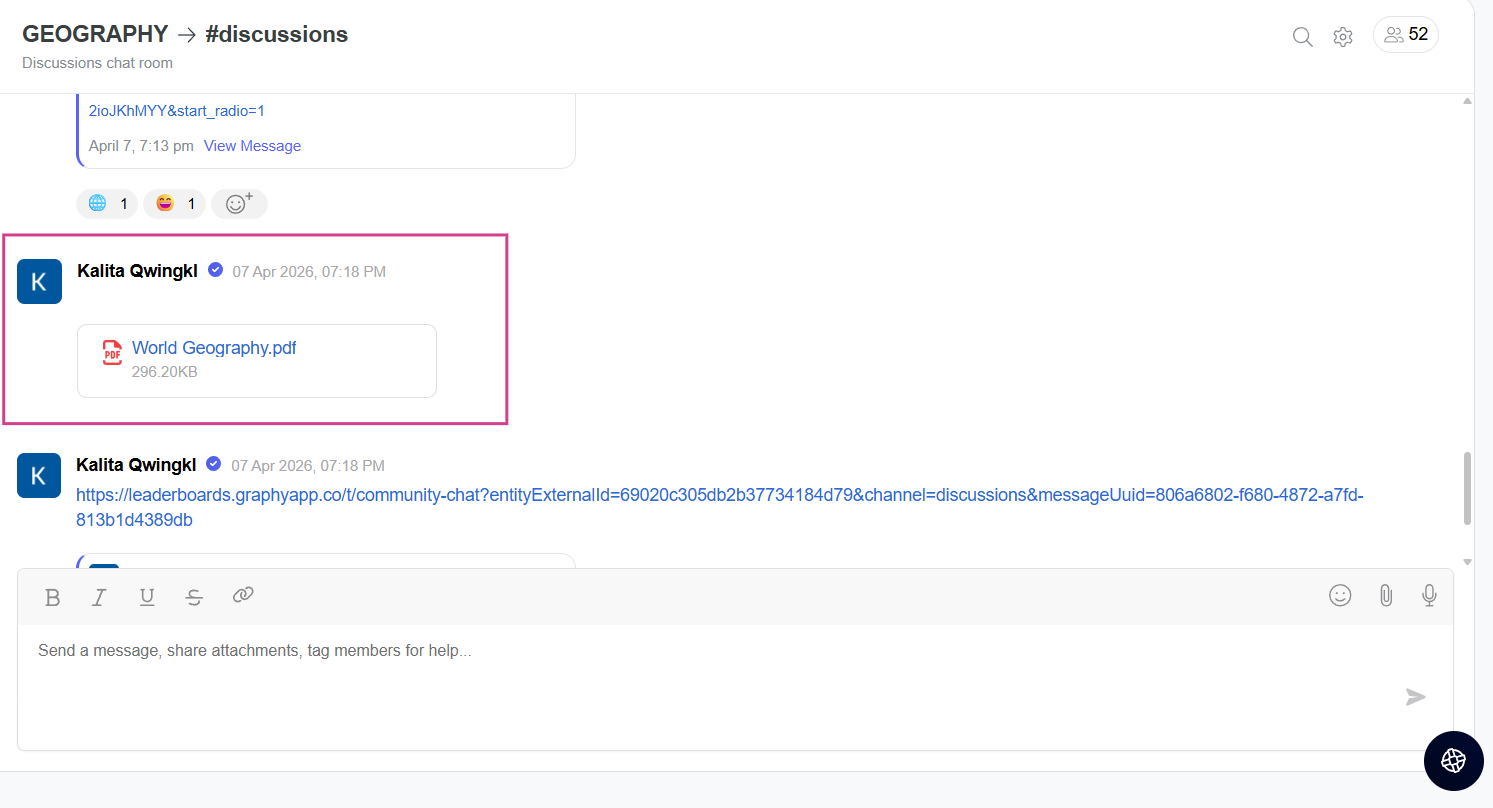
When a file is shared, the preview shows what type of file it is. You can share files of different formats in the community:-
- Images
- Audio files
- ZIP files
- PDF files
Was this article helpful?
That’s Great!
Thank you for your feedback
Sorry! We couldn't be helpful
Thank you for your feedback
Feedback sent
We appreciate your effort and will try to fix the article