On Graphy's 1:1 Coaching Product, each program needs a coach with a connected calendar so learners can see real availability and book open slots.
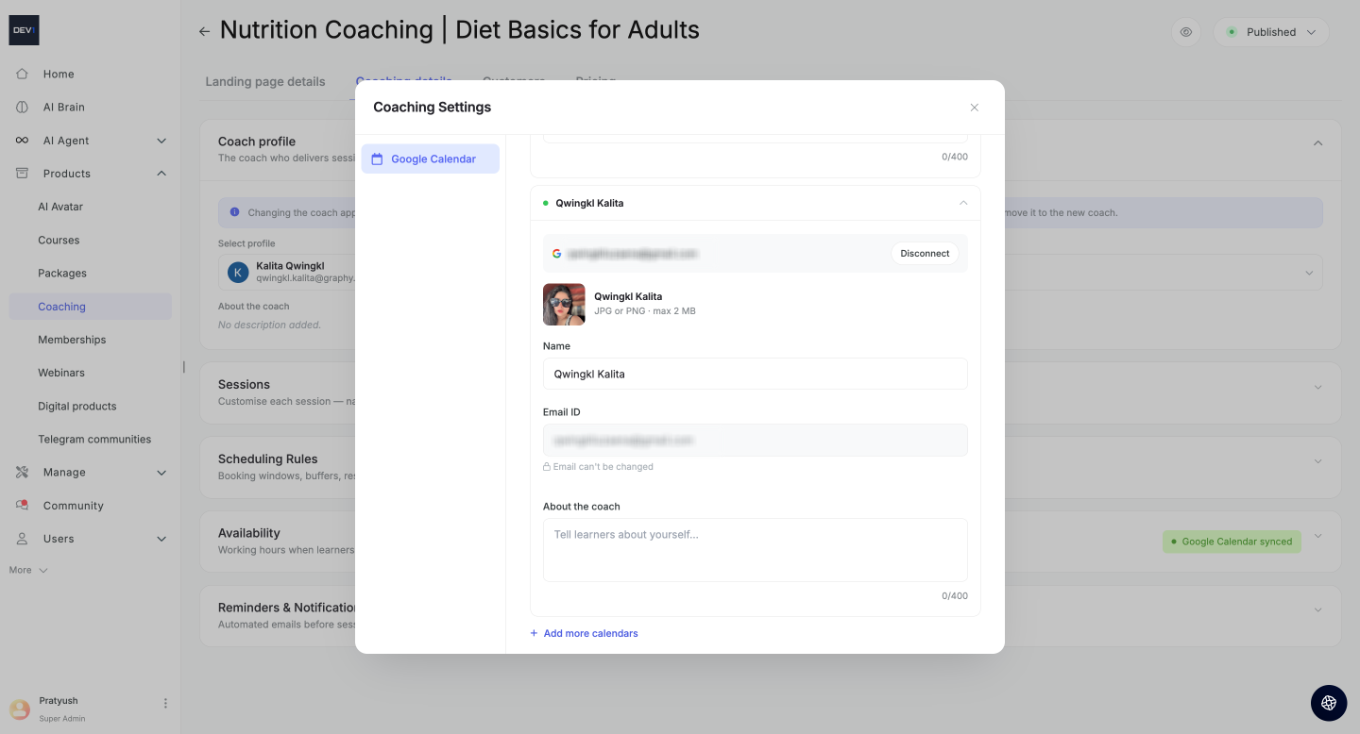
From the Coach profile section, click + Add new calendar (or Add more calendars) to open Coaching Settings.
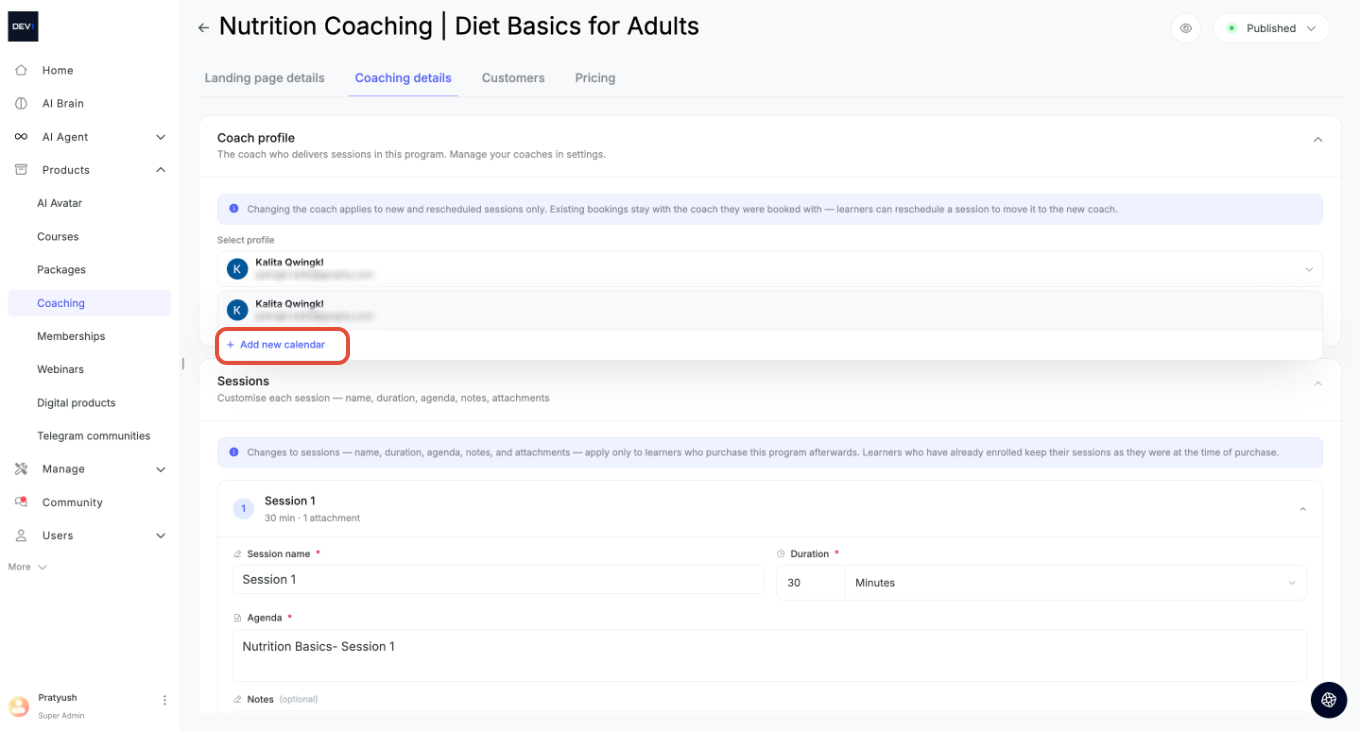
Here you can:
- Connect a Google Calendar — link the coach's Google account so their availability syncs automatically.
- View the connected Email ID — note this can't be changed once connected.
- Disconnect a calendar at any time, or connect multiple calendars for different coaches.
- View the steps in our platform in action:
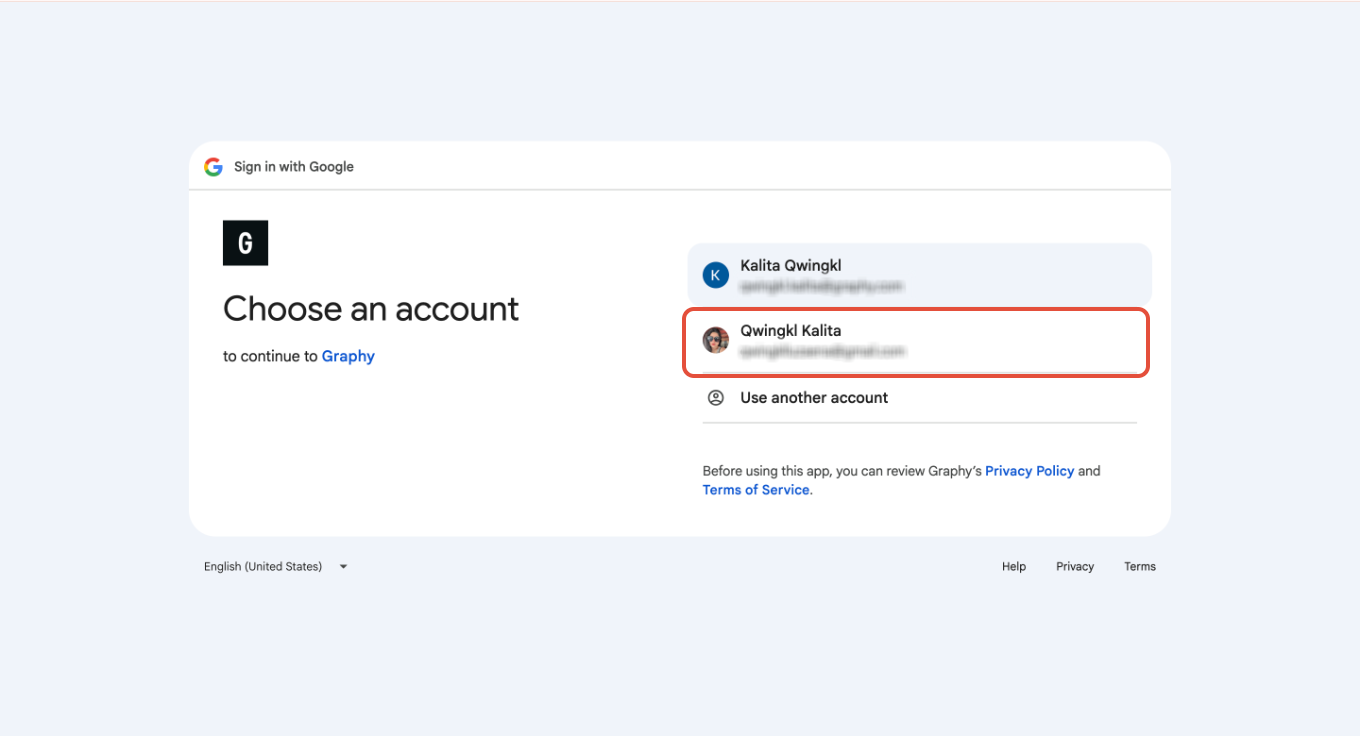
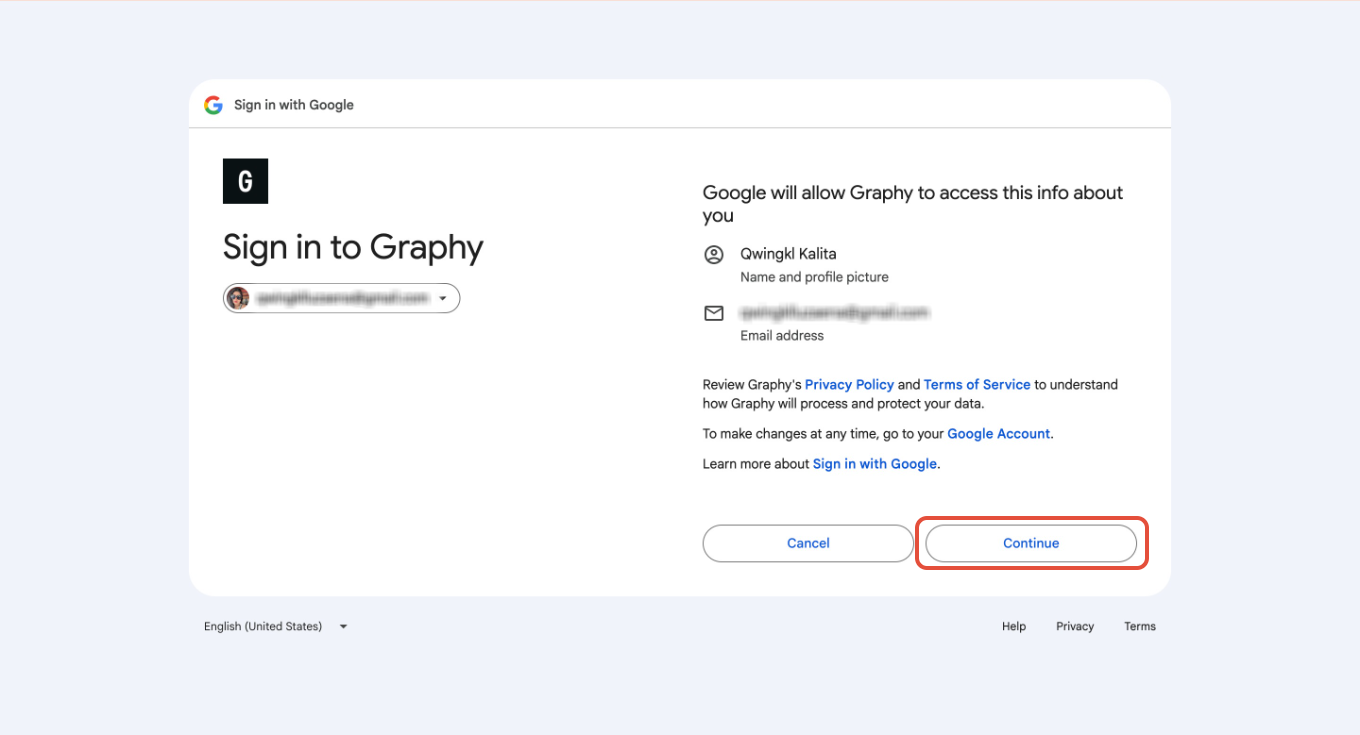
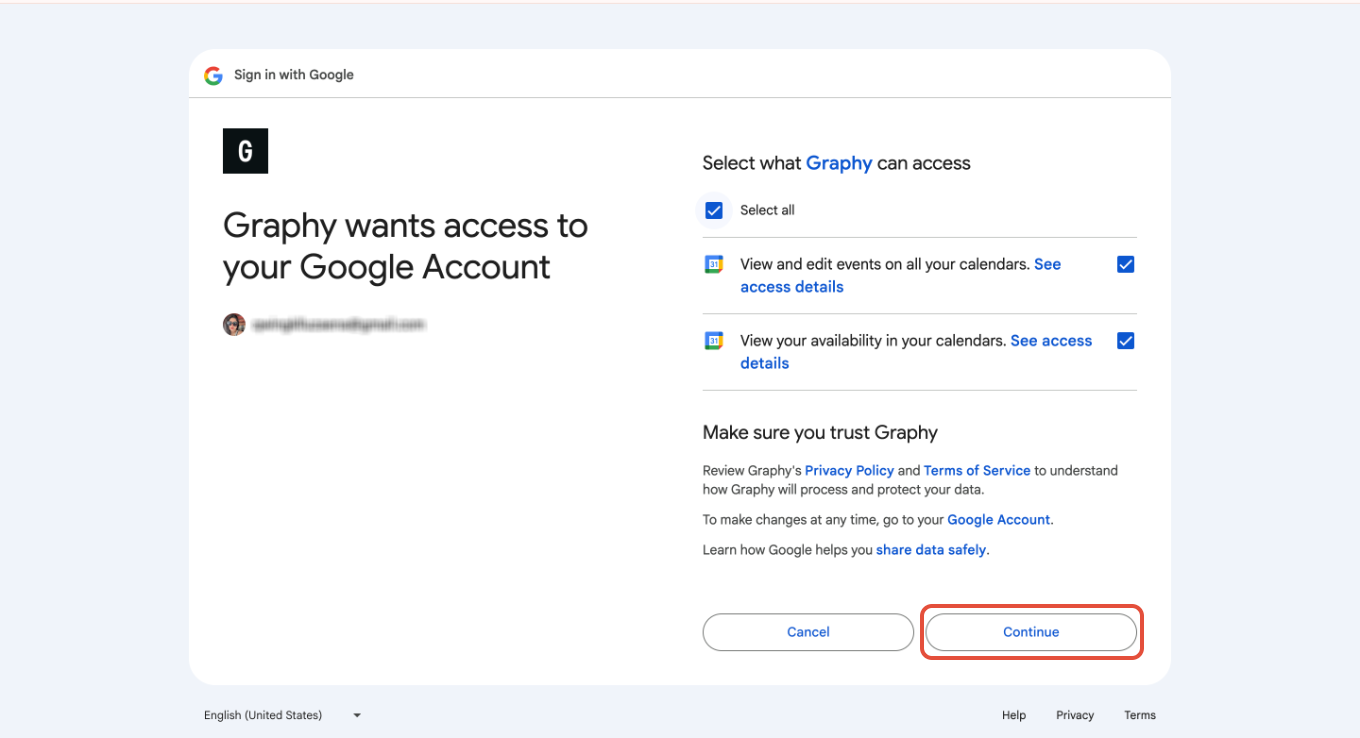
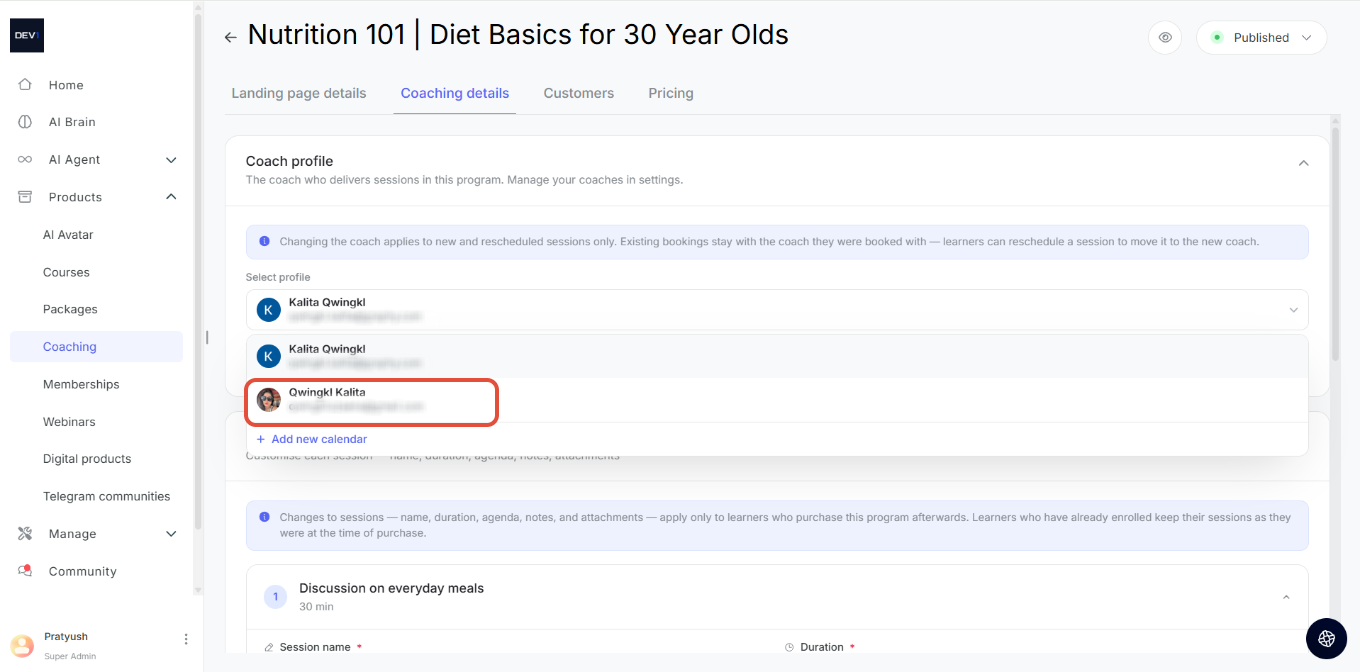
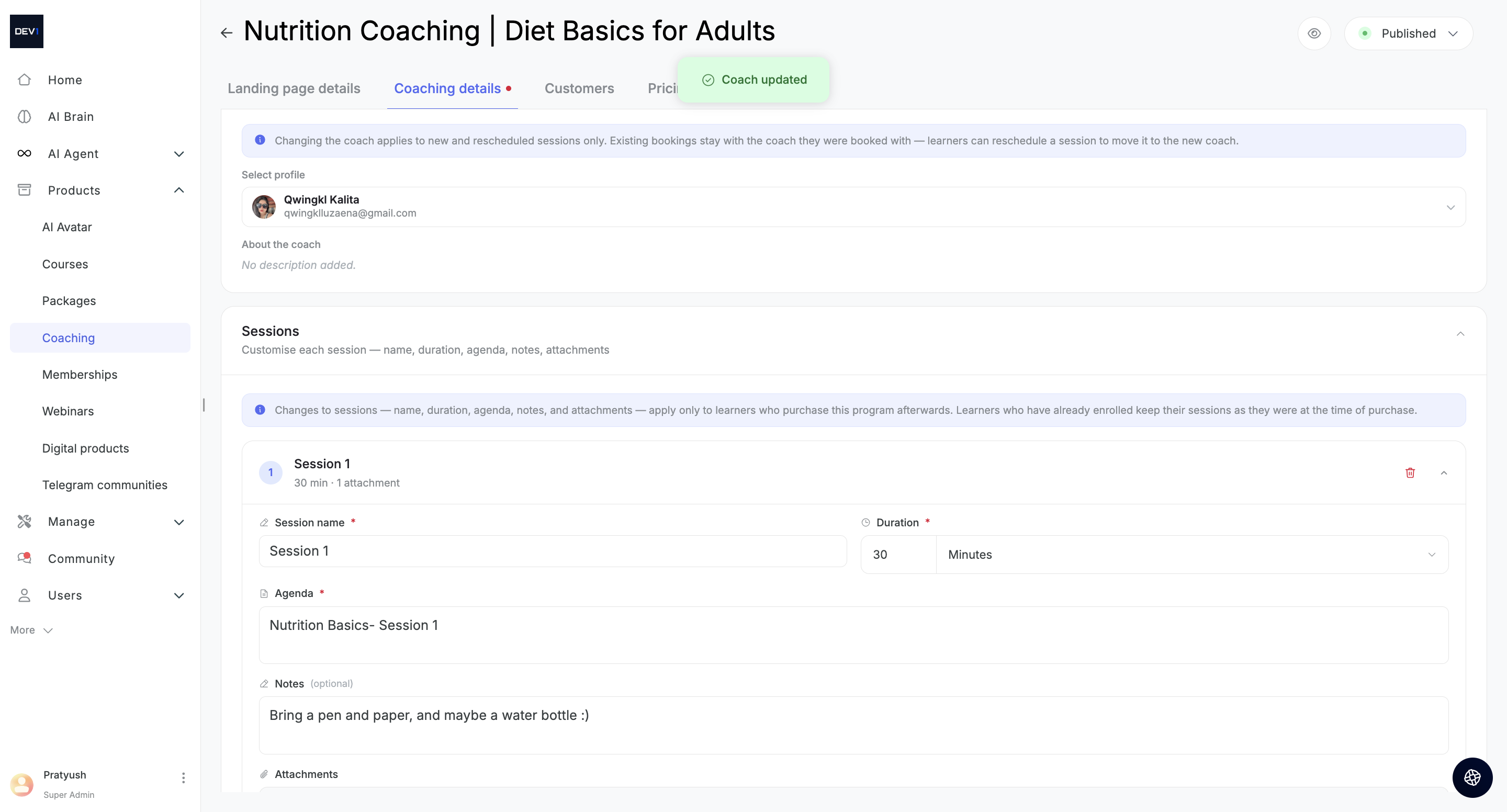
Once connected, you can go to Coach Profile again, and select the calendar that you want to add to a particular session, while setting up a booking
Was this article helpful?
That’s Great!
Thank you for your feedback
Sorry! We couldn't be helpful
Thank you for your feedback
Feedback sent
We appreciate your effort and will try to fix the article