This article is a comprehensive guide on customizing SEO settings to improve your website's search engine visibility and rankings on Graphy.
Boost your website's discoverability by optimizing your SEO title, description, and keywords for better search engine visibility. Configure meta titles and descriptions that appear in search results, target the right audience with strategic keyword placement. Whether you're new to SEO or refining your optimization strategy, this guide covers all the essential settings needed to rank higher and attract more visitors to your website.
SEO Settings
Optimize your pages for search engines to help them rank better.
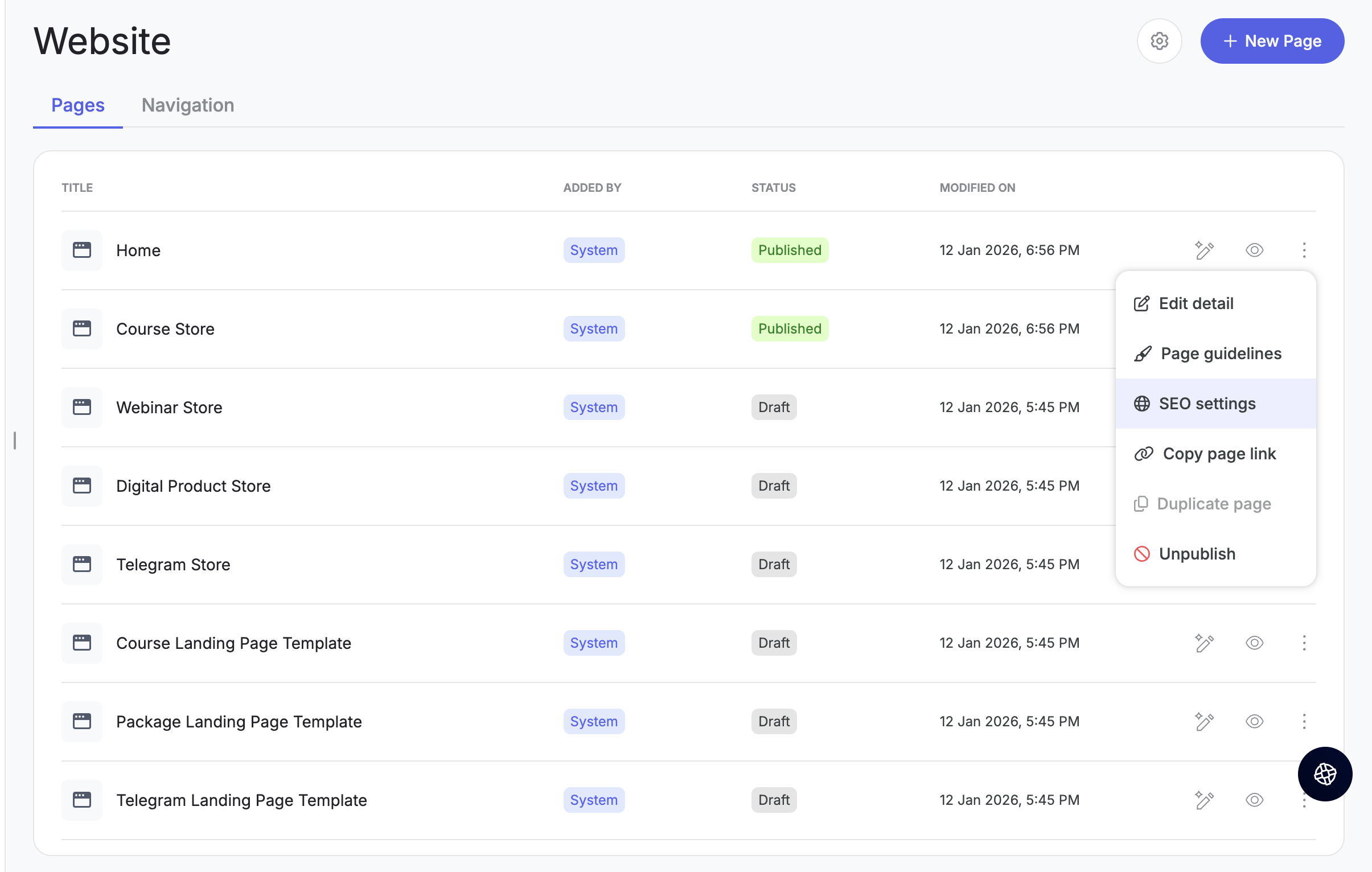
Step 1: From the three-dot menu on any page, click on SEO settings.
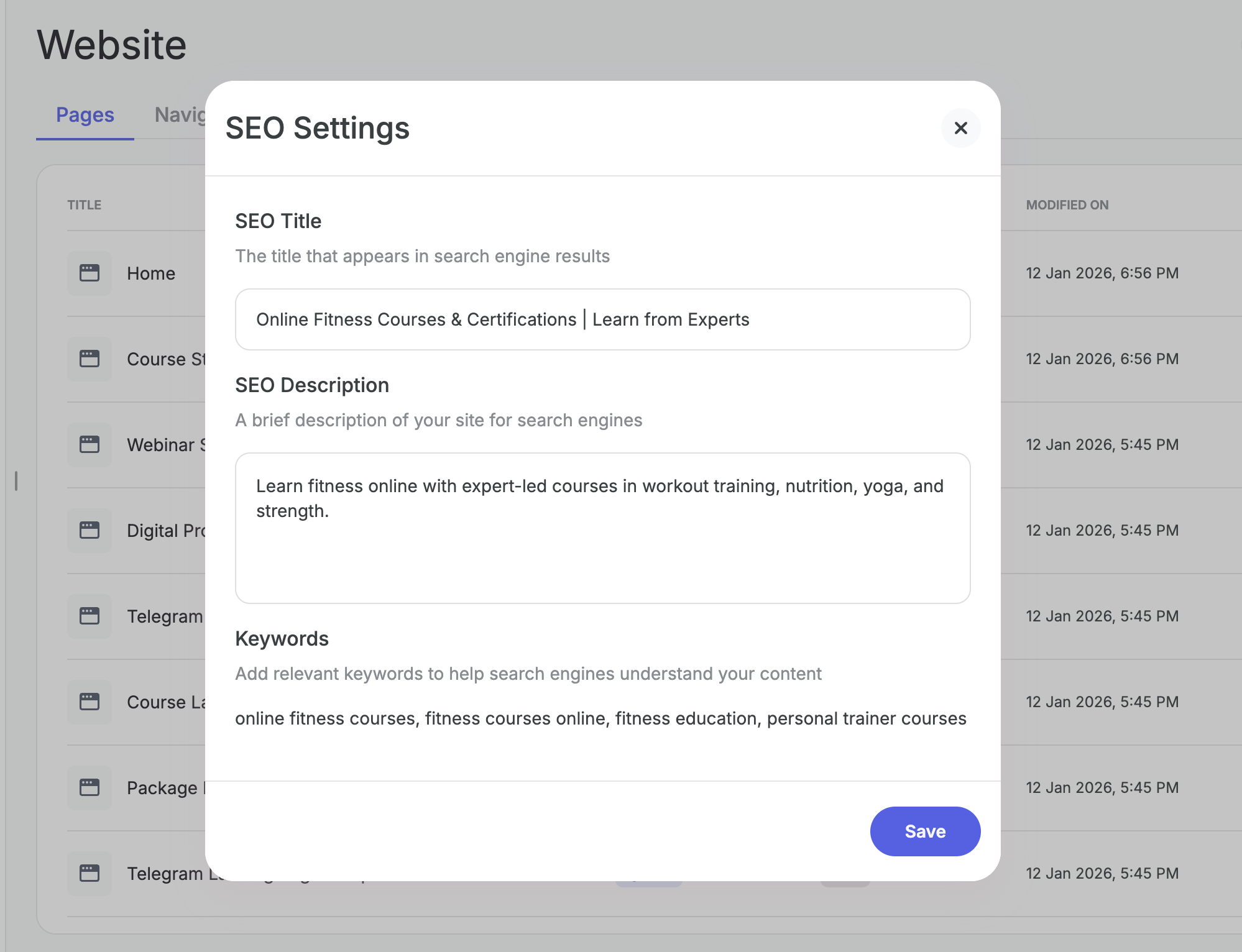
Step 2: Add your SEO details:
- SEO title — this is the title that appears in search engine results.
- SEO description — a brief summary that appears below the title in search results.
- Add relevant keywords to help your page rank for specific search terms.
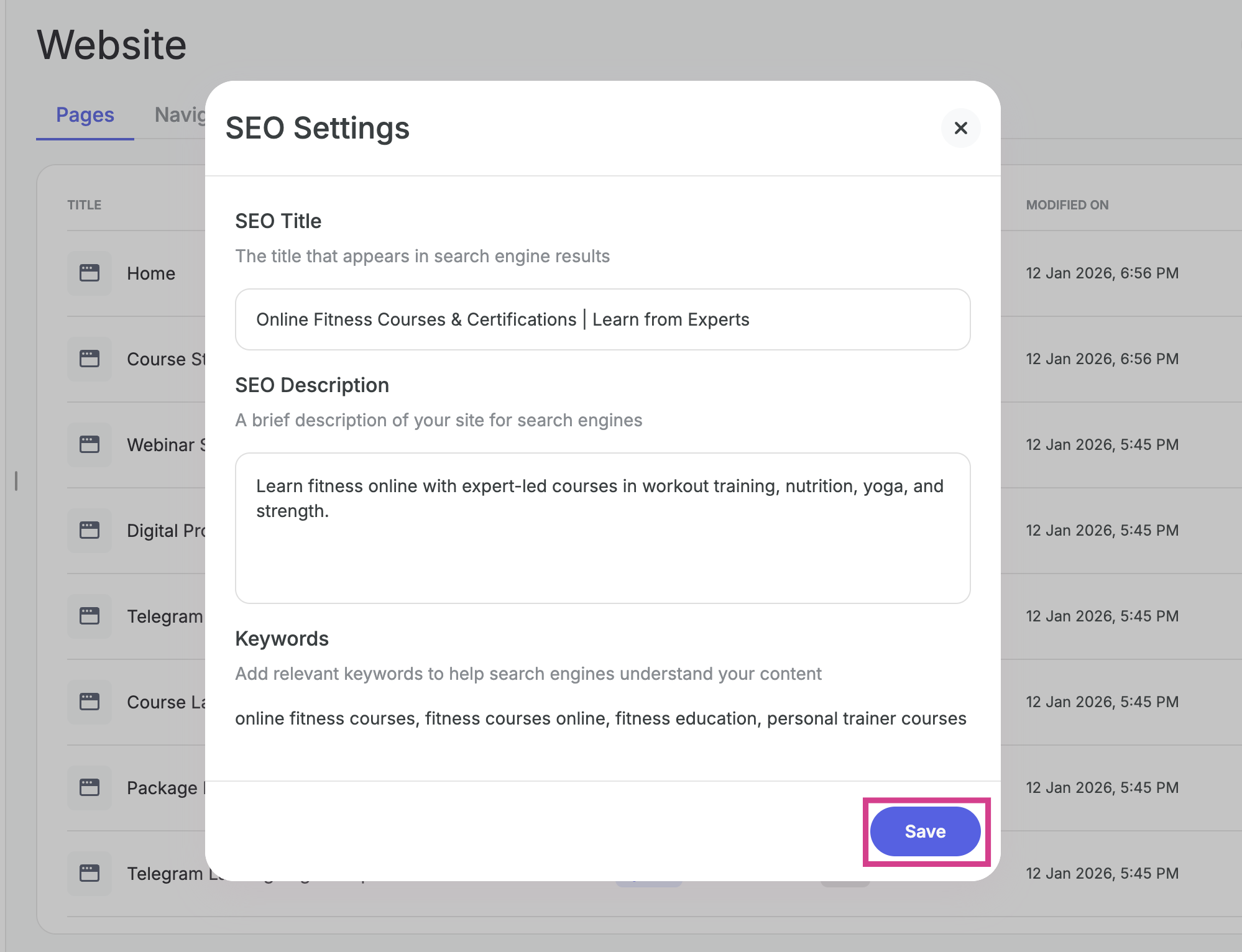
Step 3: Click Save to apply your SEO settings.
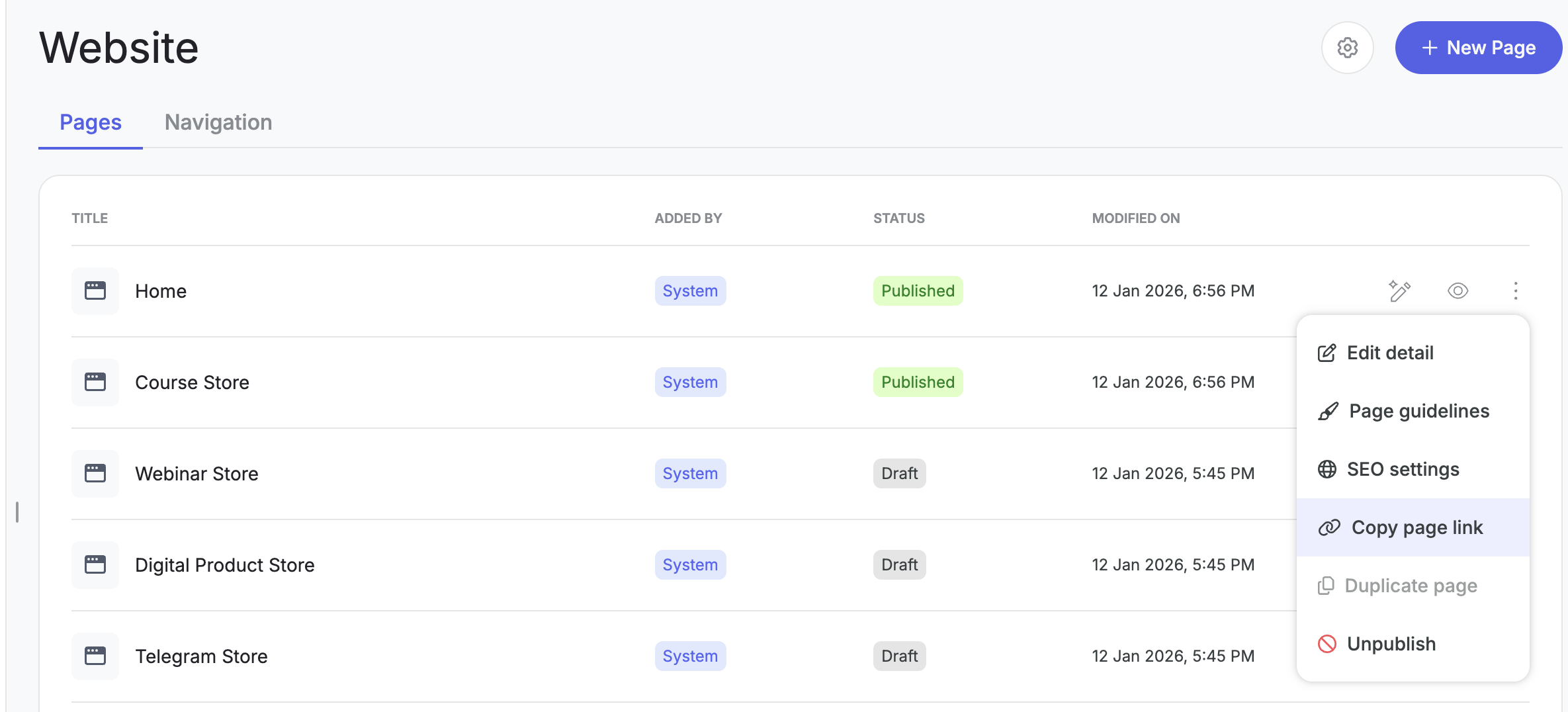
Copying & Sharing Page Links
From the three-dot menu, you can also copy the page link to see exactly how it looks for your learners.
Related Articles:-
Was this article helpful?
That’s Great!
Thank you for your feedback
Sorry! We couldn't be helpful
Thank you for your feedback
Feedback sent
We appreciate your effort and will try to fix the article